Loading 0%

©2026 Broadcast & automation tooling
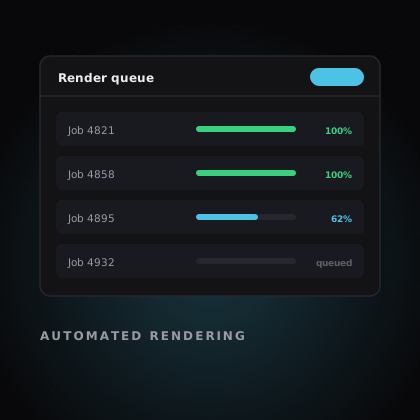
Live Graphics. Two products. One production standard. Automated Rendering.

Live output routing
Automated render queue
Template library

BEEP builds production tools for teams who work against the clock. Studio drives live broadcast graphics. Engine renders video at volume. Same standard — different jobs.


BEEP
  • + live control
  • + template systems
  • + batch rendering
  • + self-hosted
News networks Breaking & daily
Sports broadcasters Scores & stats
Live events Stage & stream
Digital publishers 16:9 to 9:16
Marketing teams Campaign volume
Creative agencies Client formats
Internal tools teams API-driven
Production companies Show branding
BEEP Studio and BEEP Engine side by side
Why BEEP

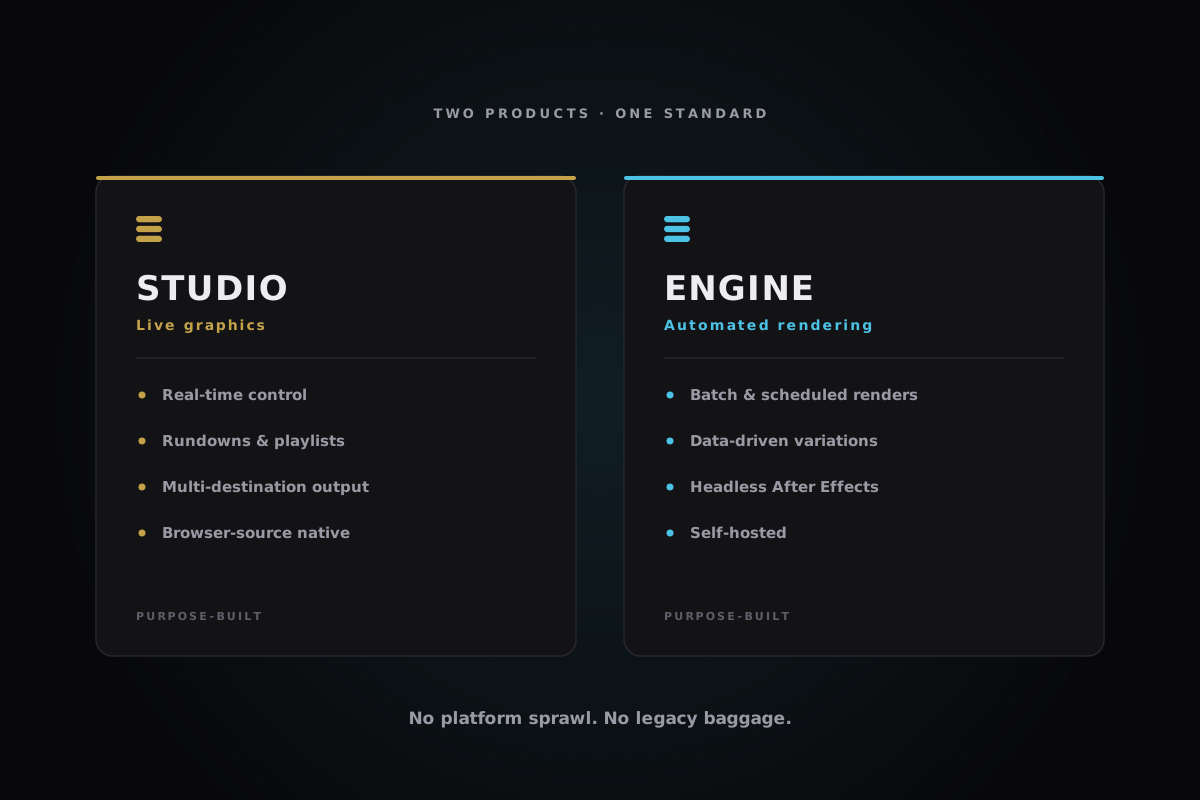
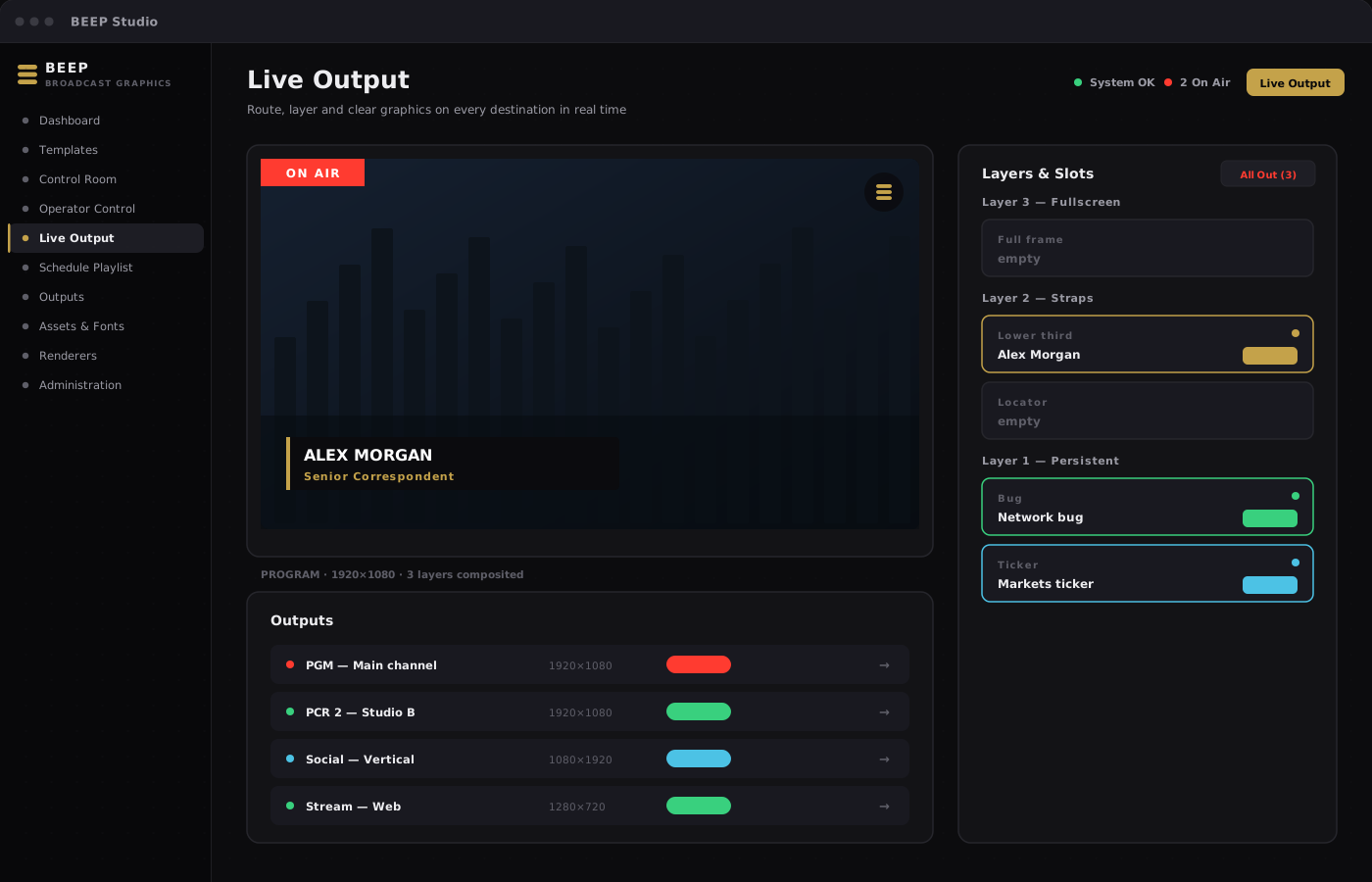
BEEP is not a single platform trying to do everything. Studio handles live graphics — real-time control, reusable templates, rundowns and unified on-air output. Engine handles automated rendering — register a template once, connect your data, and produce finished video at volume. Use one, use both, or start where your pain is sharpest.

About BEEP

2

Focused products — no platform
sprawl, no legacy baggage.

Live Output routing
Live
Automated
Reliable
On air
At scale
Self-hosted
Live
Automated
Reliable
On air
At scale
Self-hosted
Live
Automated
Reliable
On air
At scale
Self-hosted
Live
Automated
Reliable
On air
At scale
Self-hosted
What BEEP does

13+

Studio modules, one system.

001.

Live broadcast graphics

Live broadcast graphics

BEEP Studio:

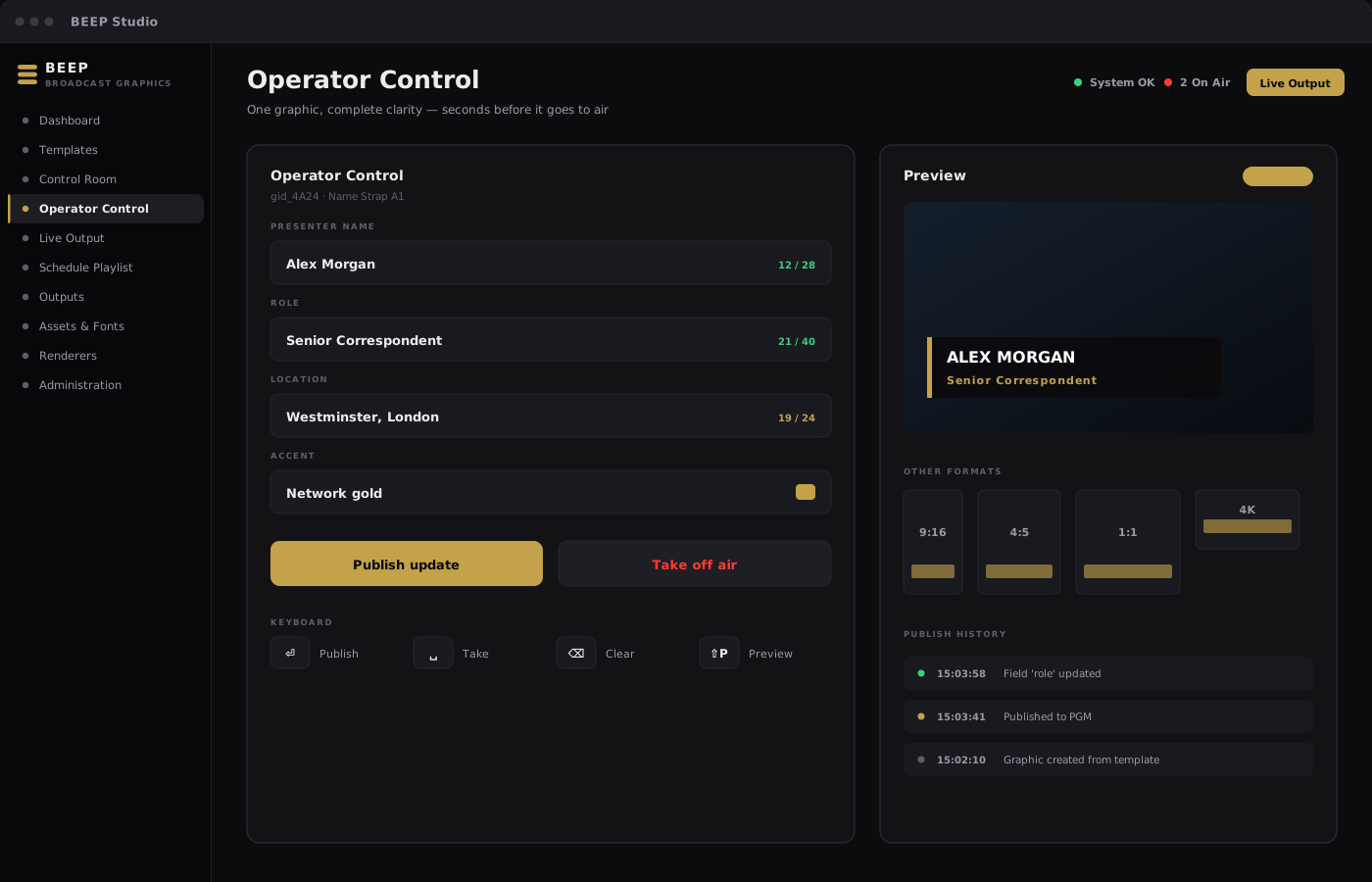
A web-based graphics platform for television networks. Producers, operators, designers and engineers share one system for building templates, publishing live instances, and delivering clean layered output — without legacy character-generator constraints.
View Details

Includes:

  • Real-time editorial control
  • Template-driven efficiency
  • Multi-destination output routing
002.

Automated video rendering

Automated video rendering

BEEP Engine:

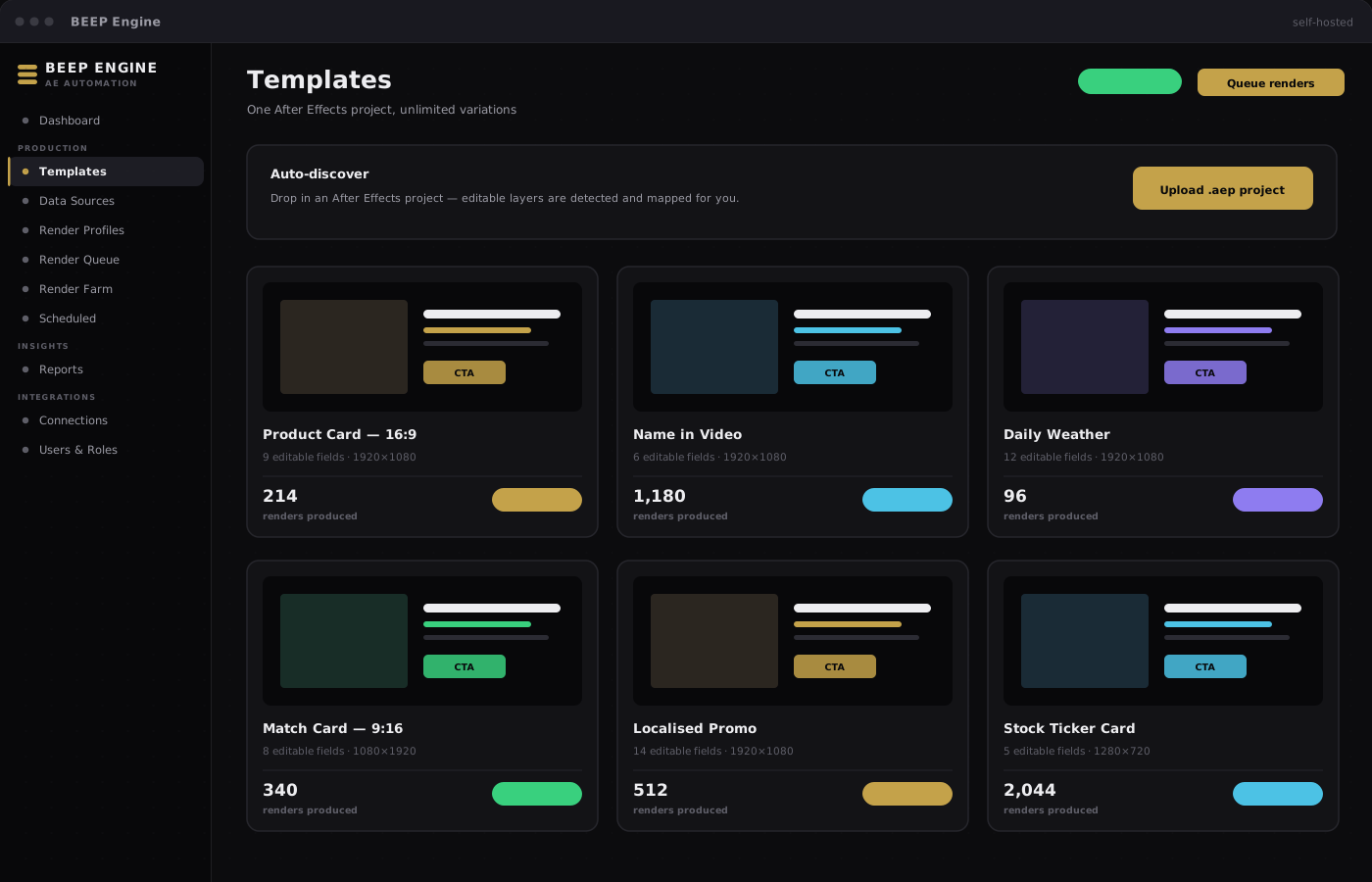
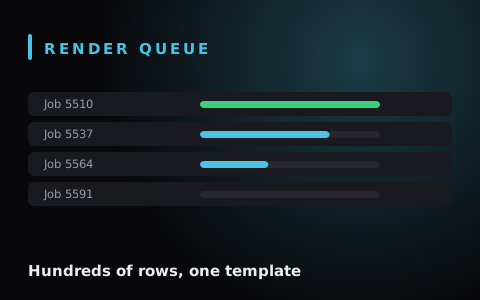
Turn a single After Effects project into a production line. Register a template once, connect your data — a form, a spreadsheet, or an API — and produce hundreds or thousands of finished videos without anyone opening After Effects by hand.
View Details

Includes:

  • One template, unlimited variations
  • Headless background rendering
  • Scheduled and API-triggered runs
003.

Newsroom & automation

Newsroom & automation

Fits your gallery:

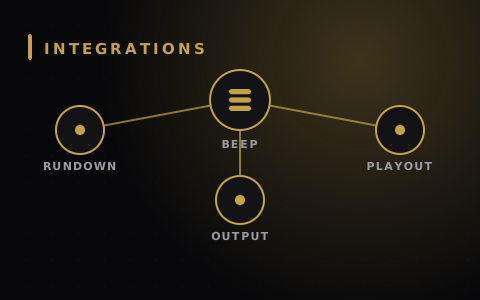
BEEP runs alongside the newsroom, automation and cloud media systems your network already relies on. Connect a rundown system so a story cue shows, hides or updates the matching graphic with no operator keystroke required.

View Details

Includes:

  • Newsroom rundown connectivity
  • Playout cueing, including Viz Mosart
  • Outbound notifications to your systems
004.

Deployment & security

Deployment & security

Your infrastructure:

Studio runs on your studio network, on a single machine, or in the cloud — whichever your security model calls for. Engine is self-hosted on macOS and Windows, so your projects, data and finished files stay where you put them.

View Details

Includes:

  • Role-based access & 2FA
  • Audit-friendly logging
  • No telemetry, no per-render fee
Built for pressure

Tools That Behave The Same Way On A Quiet Tuesday And On The Night Everything Breaks — Because Predictable
Beats Clever When You Are Live.

Studio modules

13+

Dashboard to administration —
one coherent platform.

Output formats

5+

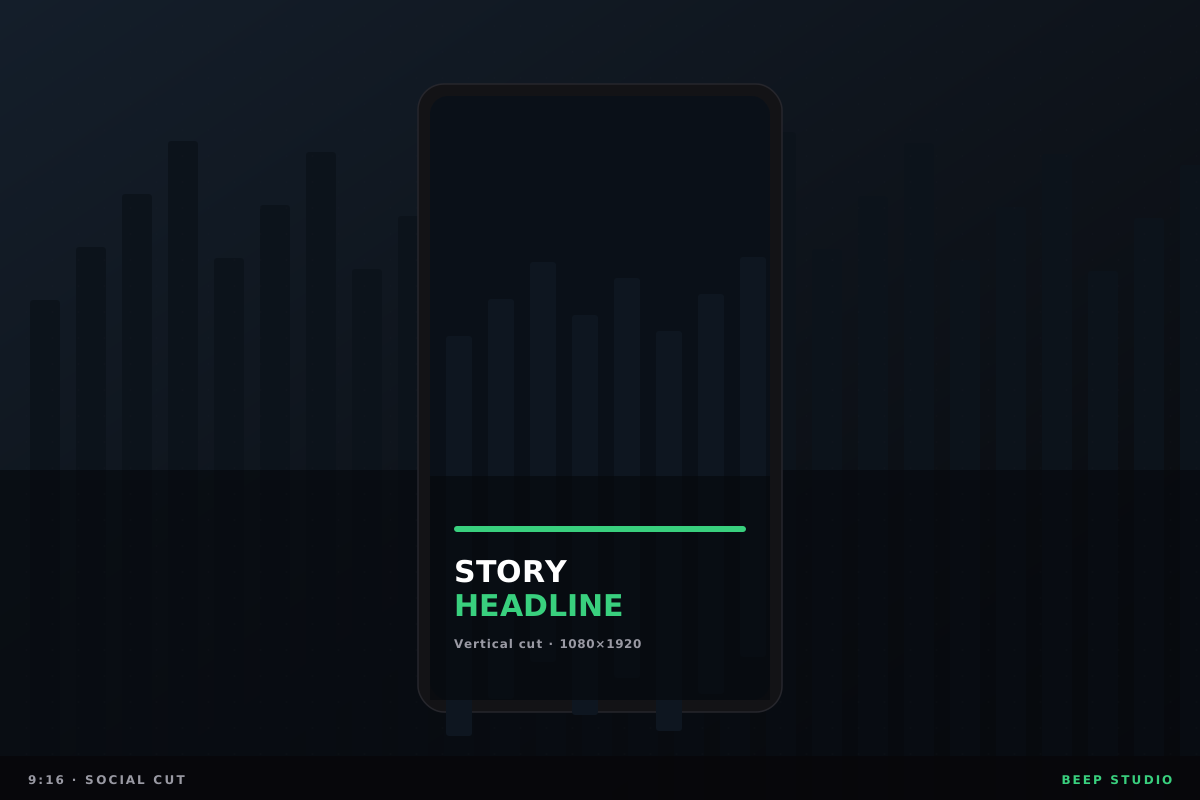
16:9, 9:16, 4:5, 1:1
and 4K, from one template.

Engine capabilities

7+

Templates, data, queue,
schedules, farm, API, reports.

Deployment models

3+

On your network, on one machine,
or hosted in the cloud.
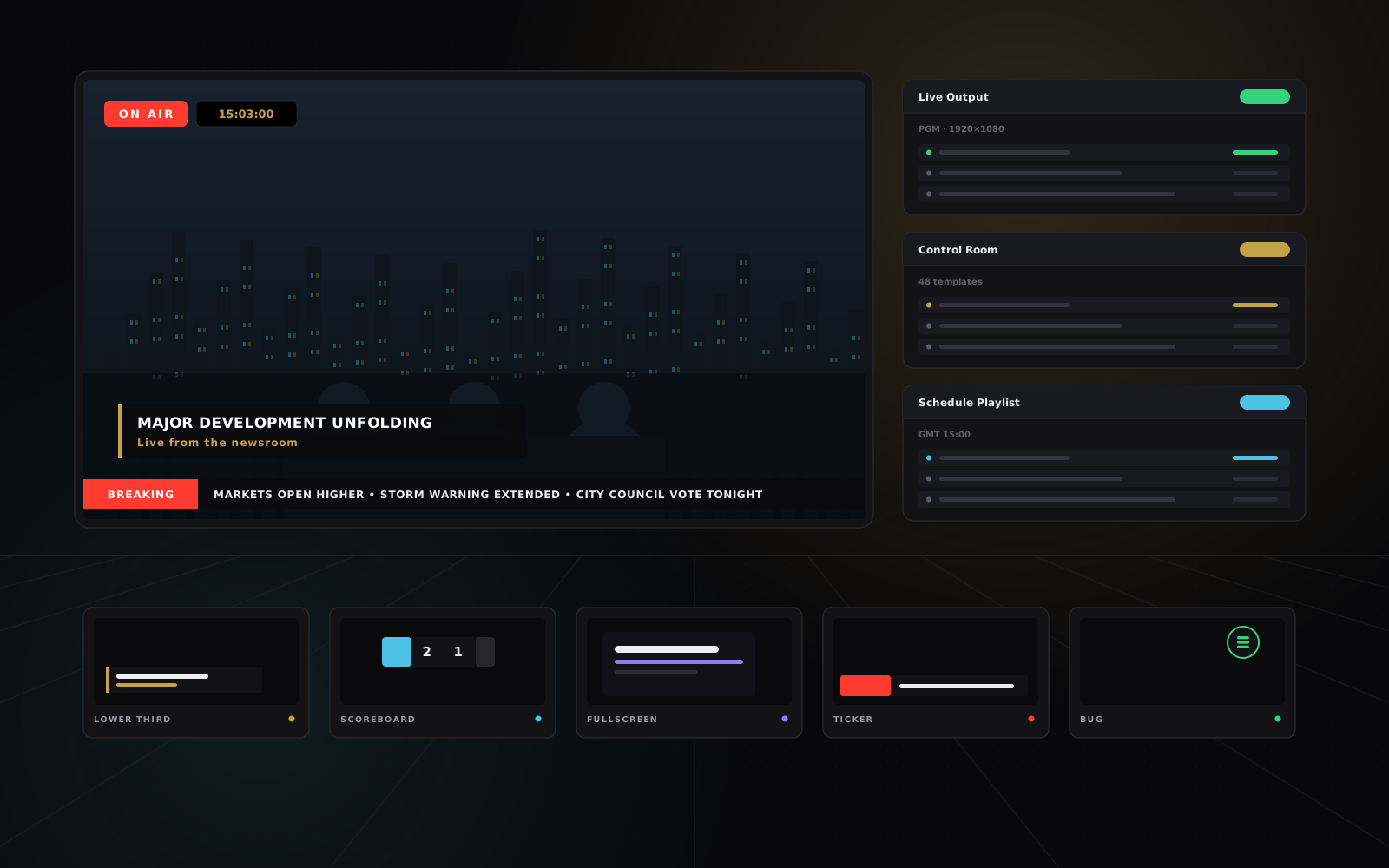
BEEP graphics running across a gallery monitor wall

Live graphics and automated rendering, done properly Read our approach

What goes to air

Graphics Showcase

Every graphic below is a template published as a Graphic ID, routed into a named slot and taken to air — or exported as a standalone clip.

Explore Studio Explore Studio
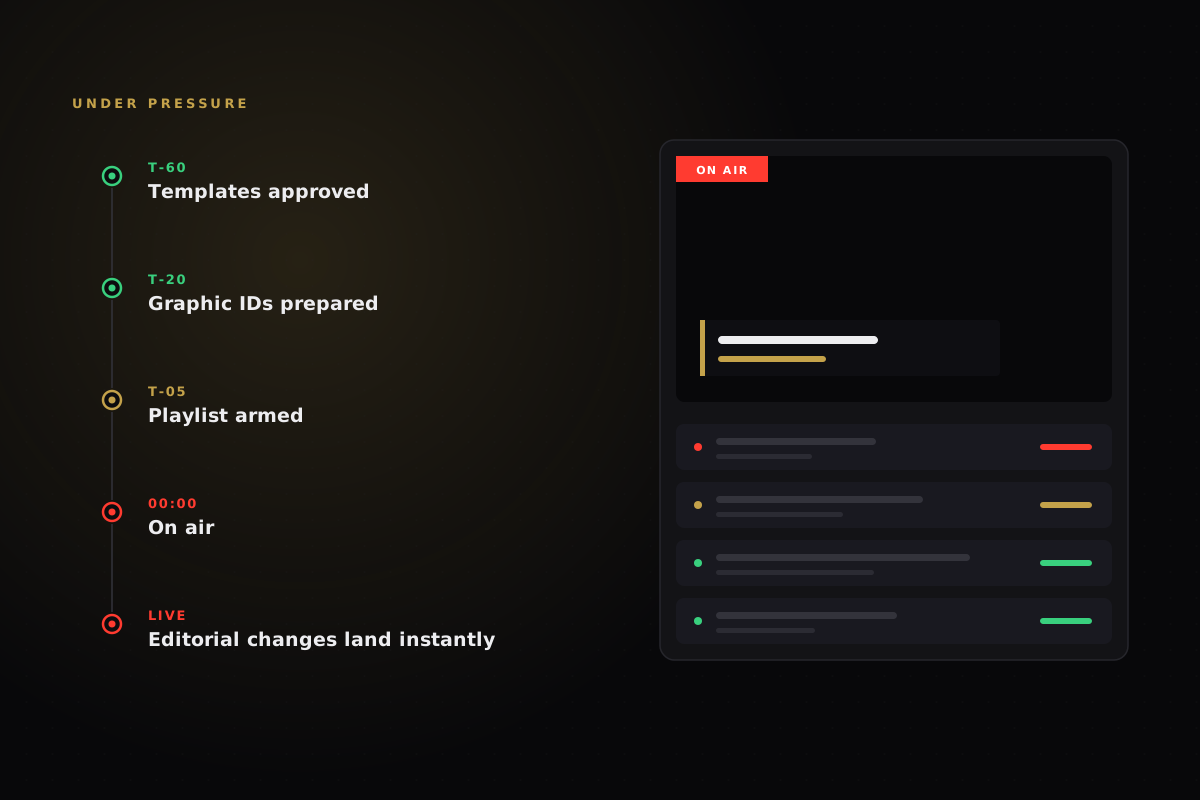
Timeline from template approval to air
Time to air

Seconds

How we work
  • 01. Understand the show
    We start with the rundown, not the software. Which graphics exist, who touches them, what has to change at the last second, and what must never change at all.
  • 02. Build the template system
    Designers build one reusable, animated template and expose only the fields an operator should touch. That single design then serves every show, segment and aspect ratio it needs to.
  • 03. Run it live — or on a schedule
    Operators drive graphics from a focused control surface, Schedule Playlist fires them on GMT cues, and Engine renders the recurring output nobody should be making by hand.
Studio
Engine
Production
Studio
Engine
Production
Studio
Engine
Production
Studio
Engine
Production
Our products

Licensing is scoped to your production — channels, users, render volume and deployment model. Tell us what you run and we will put a number on it.

BEEP Studio

Live/ broadcast graphics

Web-based graphics control for television networks, live sport, events and digital publishing.

Explore Studio Explore Studio

Includes:

  • Templates & Graphic IDs
  • Operator Control & Live Output
  • Schedule Playlist on GMT cues
  • Newsroom & automation integrations
  • BEEP AI template authoring
  • Renderer management & admin
BEEP Engine

Batch/ automated rendering

Self-hosted After Effects automation for teams that need volume, not repetition.

Explore Engine Explore Engine

Includes:

  • One template, unlimited rows
  • Forms, spreadsheets or API feeds
  • Headless background rendering
  • Scheduled workflows & Render Farm
  • Webhooks & watched-folder delivery
  • Self-hosted on macOS & Windows
Who it is for

Prepare graphics well before air, reuse templates across stories and segments, and book the show through Schedule Playlist — so last-minute editorial confusion stops being routine.

Producers

Every day, under time

A focused control page per Graphic ID: edit every field, watch live character counts so text never overflows on air, preview in broadcast aspect ratios, and drive it all from the keyboard.

Operators

Every day, under time

Build branded template systems with the web tools you already know. Package templates with their assets and fonts, and keep visual consistency across every show and channel.

Designers

Every day, under time

Configure multi-destination routing, monitor renderer health in real time, integrate through familiar browser-source tools, and keep structured backup and restore.

Engineers

Every day, under time

Three of the workflows BEEP was built around —
and the product that carries each one.

Talk it through Talk it through
In production
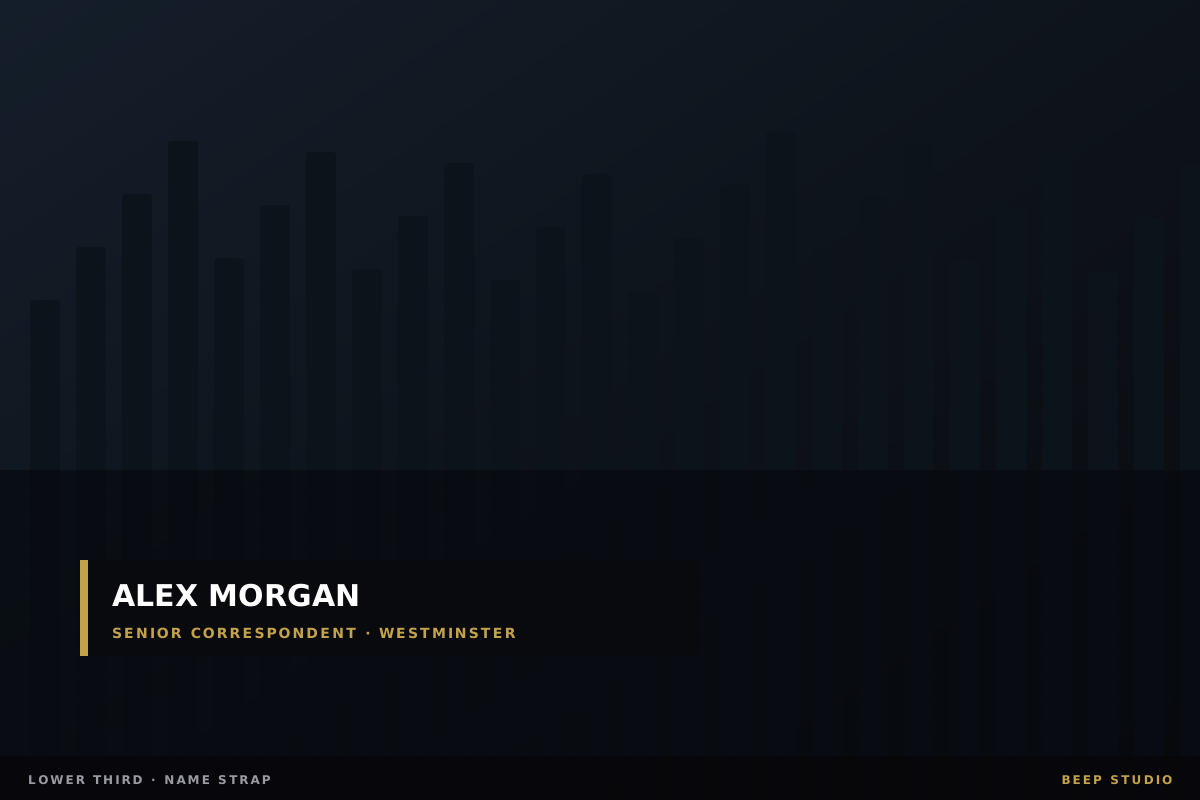
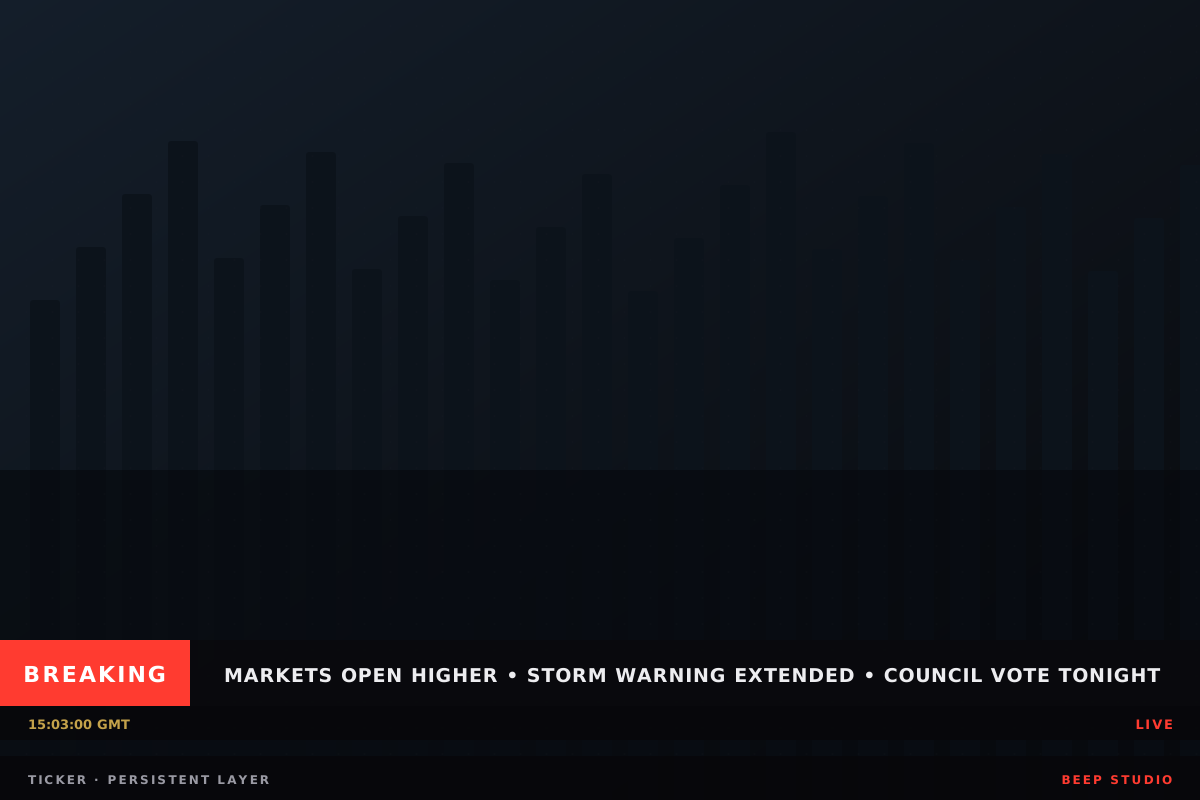
Breaking news: wire copy to on-air strap in under a minute

Breaking news: wire copy to on-air strap in under a minute

  • BEEP Studio

    Runs on

  • Live news Production workflow
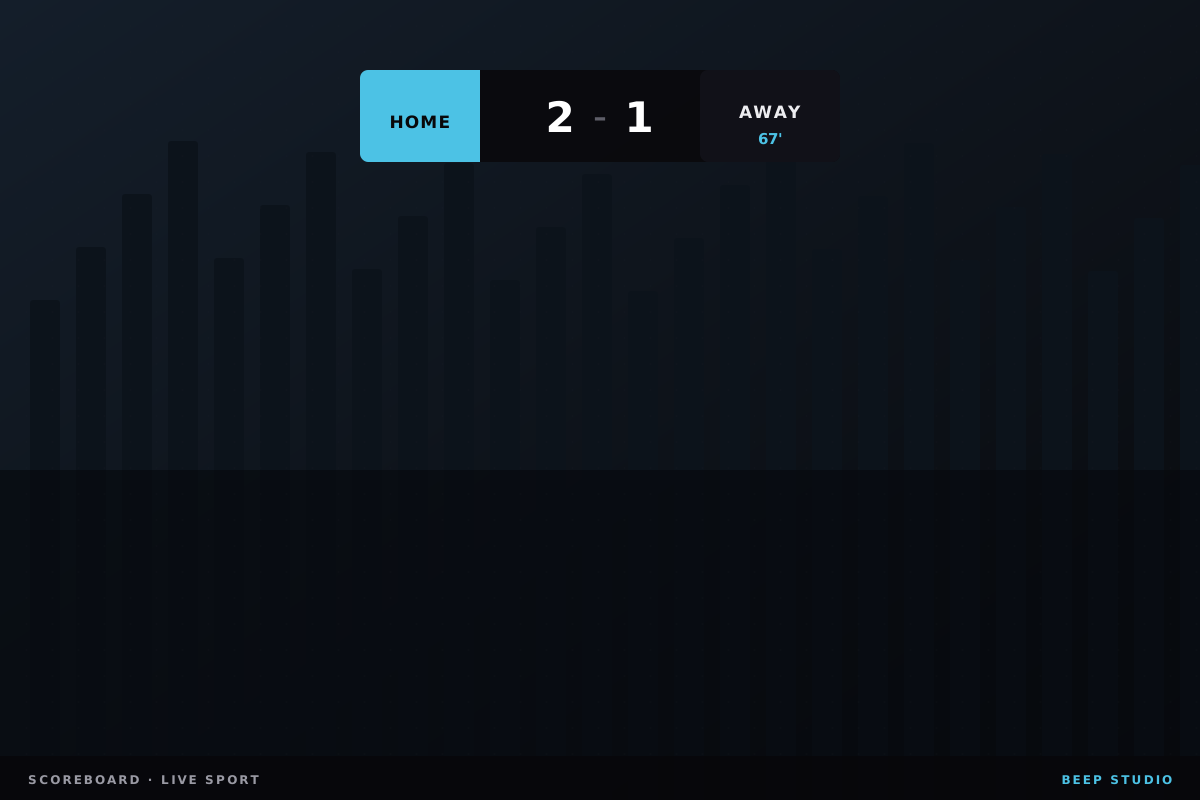
Live sport: scoreboards, sponsors and lower thirds on the same output

Live sport: scoreboards, sponsors and lower thirds on the same output

  • BEEP Studio

    Runs on

  • Sports production Production workflow
Campaign volume: one template, a spreadsheet, a thousand finished videos

Campaign volume: one template, a spreadsheet, a thousand finished videos

  • BEEP Engine

    Runs on

  • Automated rendering Production workflow

Let’s talk now

Tell us about BEEP Studio, BEEP Engine, or both — we’ll help you find the right starting point.

Start a conversation