


Loading 0%
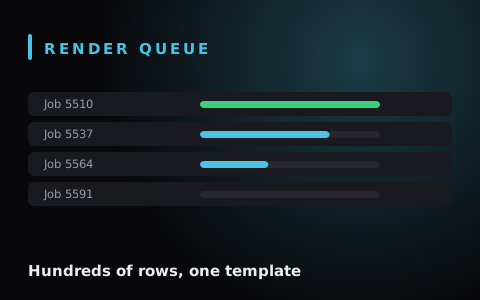
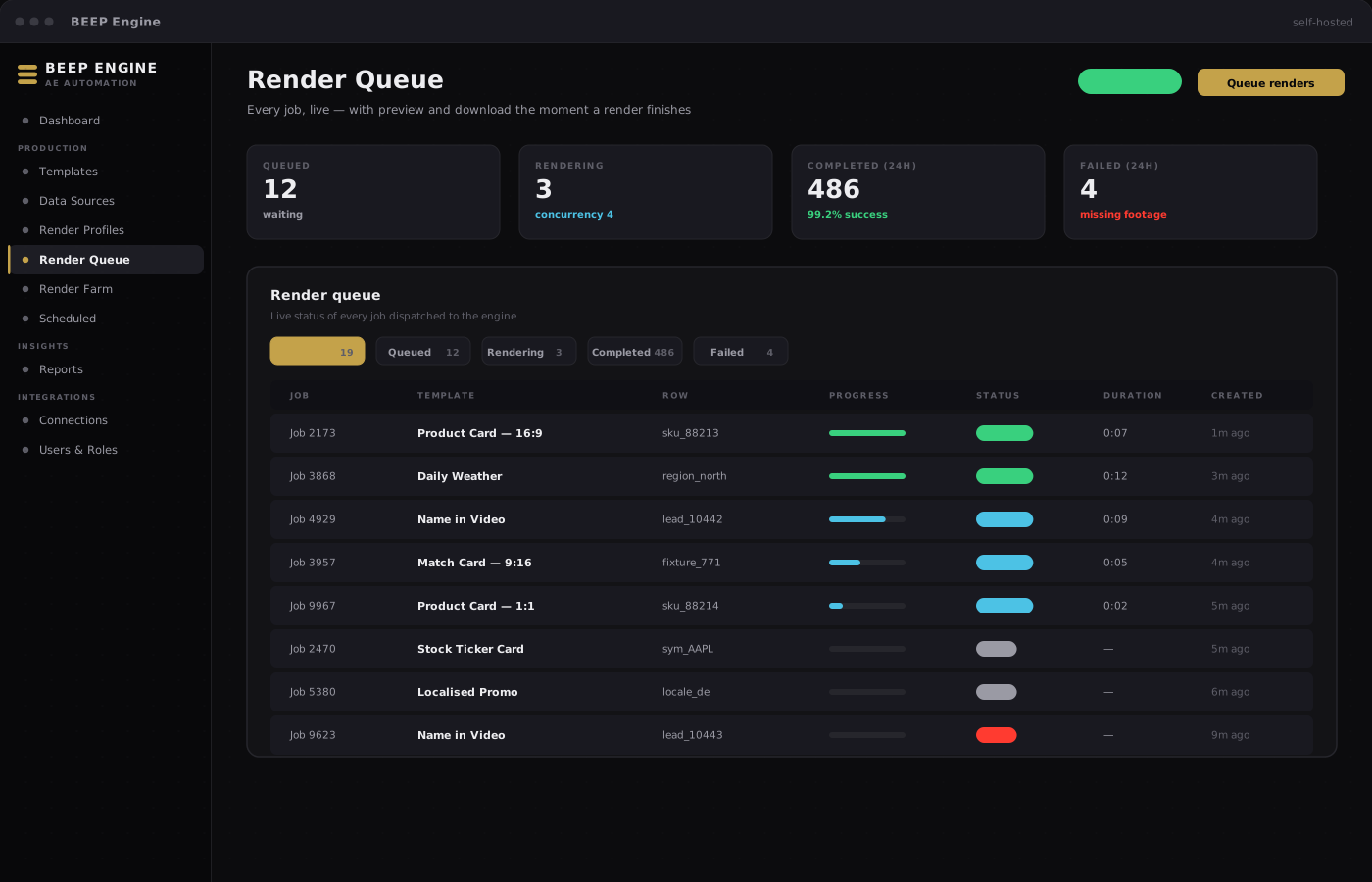
BEEP Engine render queue
Renders today

486

One template. Unlimited variations. Zero manual renders.

Register your After Effects project once and mark what changes between renders — headlines, images, colours, footage. Every variation after that is a few clicks or an automated trigger.

Renders run in the background. No one needs to sit at a workstation and babysit the queue. The same machine can serve producers entering data and a render pipeline working through the backlog. If today’s workflow is “open AE, edit, render, repeat” — BEEP Engine replaces that loop.

  • Headless background rendering
  • Forms, spreadsheets or API feeds
  • Scheduled and API-triggered runs
  • Self-hosted on your own hardware
Who it is for

Marketing teams

Localised, personalised and templated video at volume — social ads, product cards, name-in-video campaigns, daily reports.
Broadcast & news desks

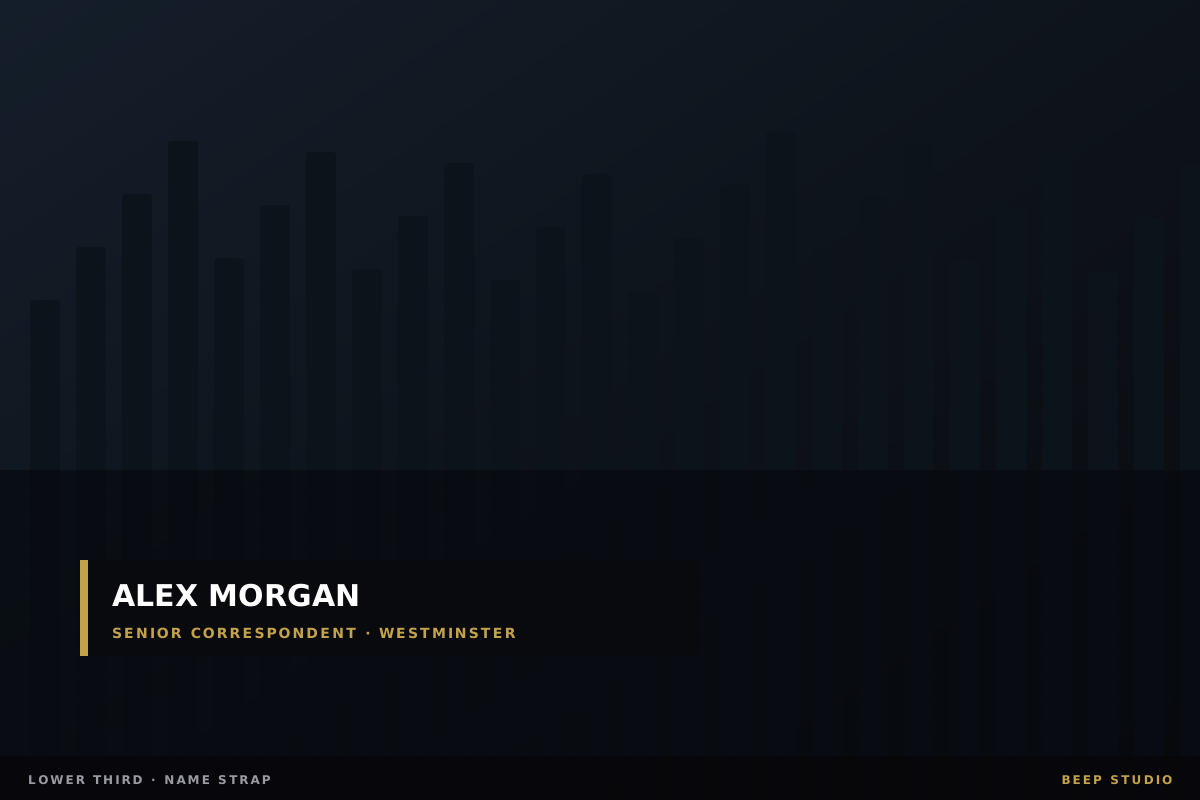
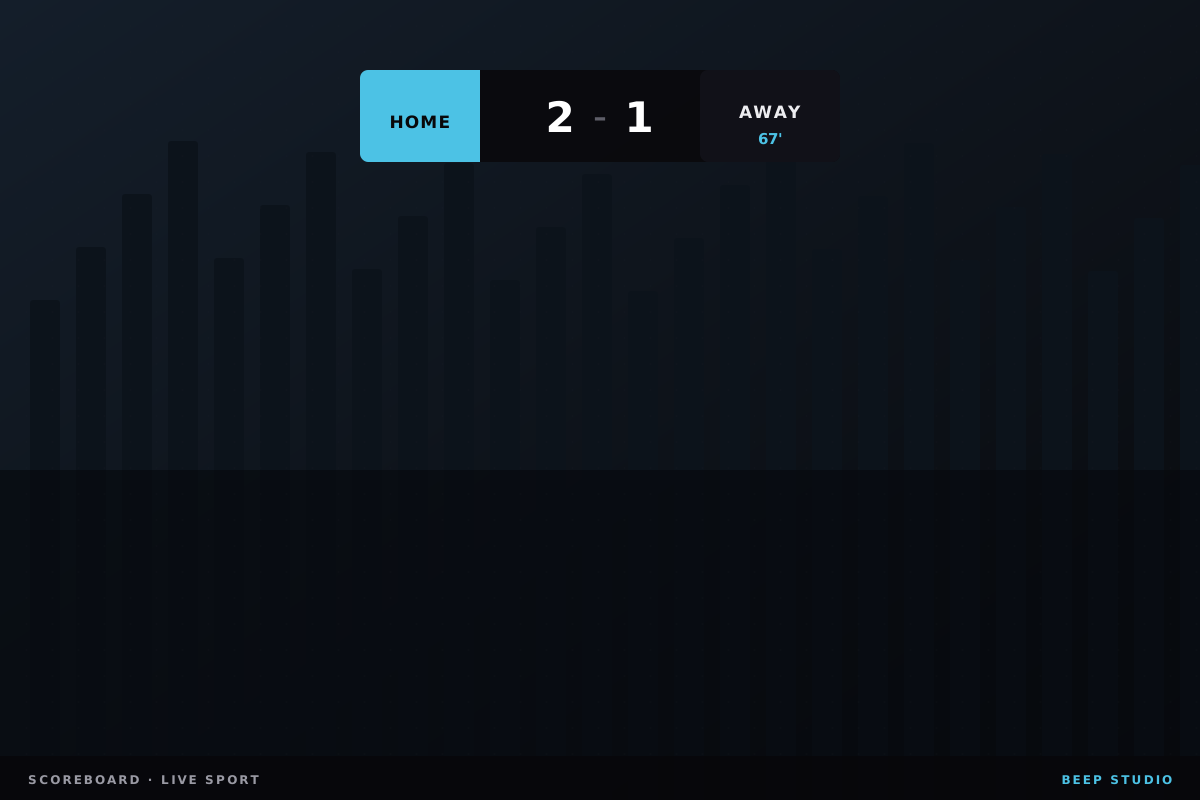
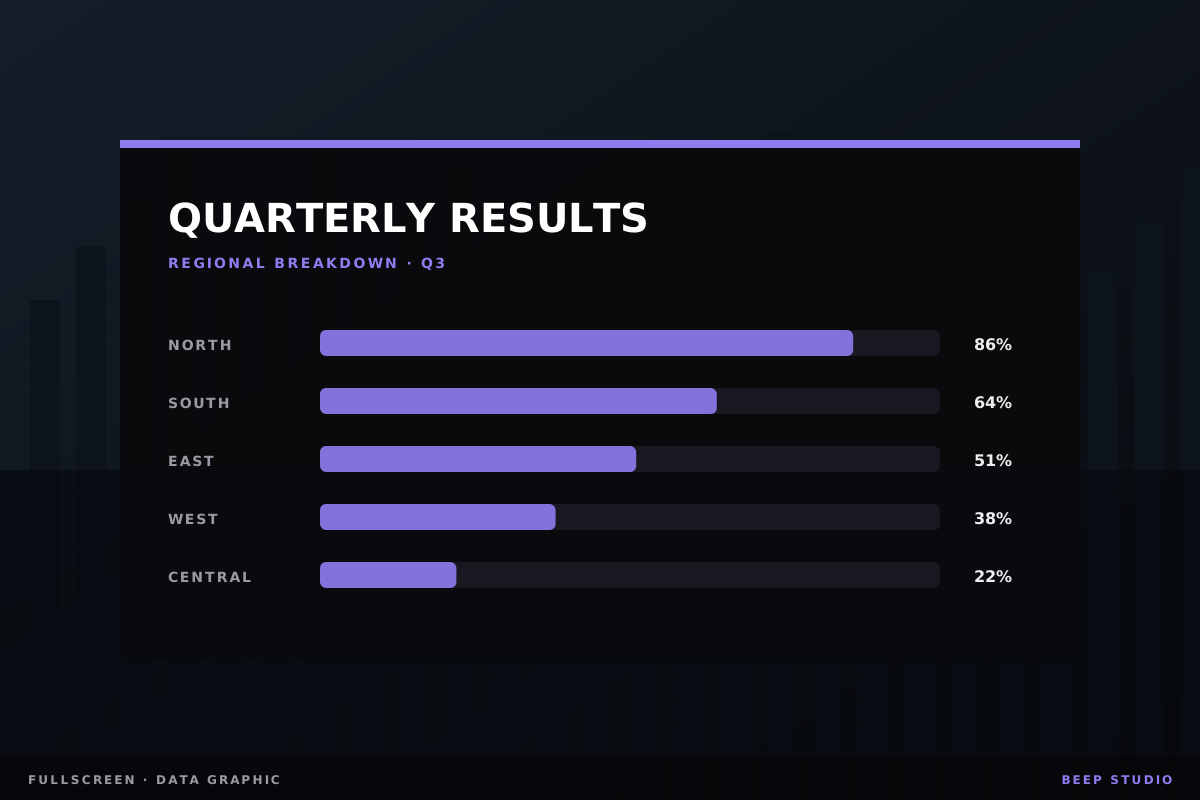
Recurring, data-driven graphics on a fixed schedule — lower thirds, weather, stock tickers, sports cards.

Creative agencies

Build a template once for a client and give the account team a non-technical way to render variations.

Internal tools teams

A programmable render service your other tools can drive — instead of operators rendering files one at a time.

What it does

100×

The output, the same effort.

001.

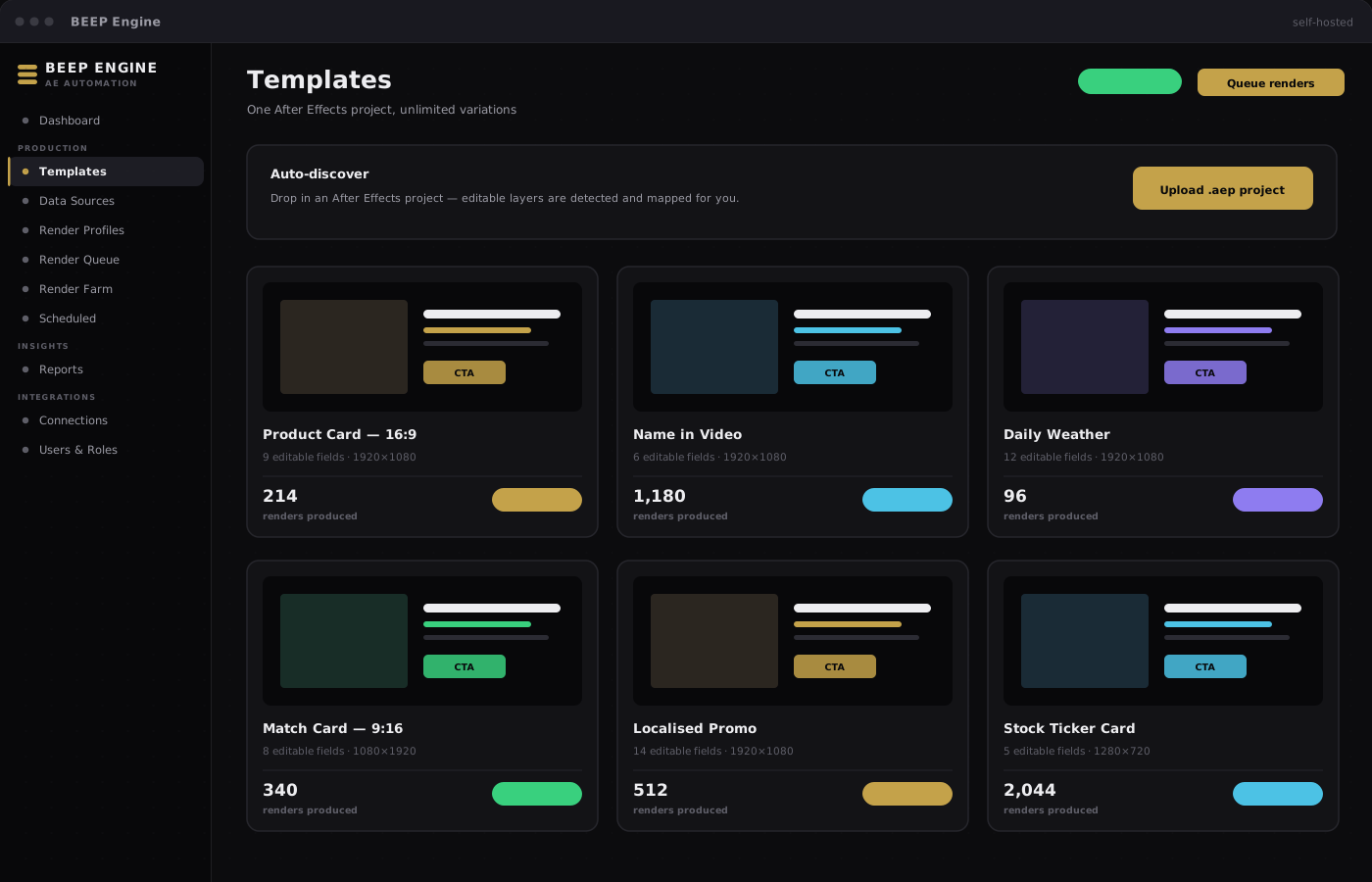
One template, unlimited variations

One template, unlimited variations

Register once:

Upload your After Effects project once and mark the fields that change row to row. Every render of that template after that is a few clicks — or fully automated.

Request a walkthrough

Includes:

  • Text, image, video, colour and layout fields
  • Swap source assets per variation
  • Reuse the same template across campaigns
002.

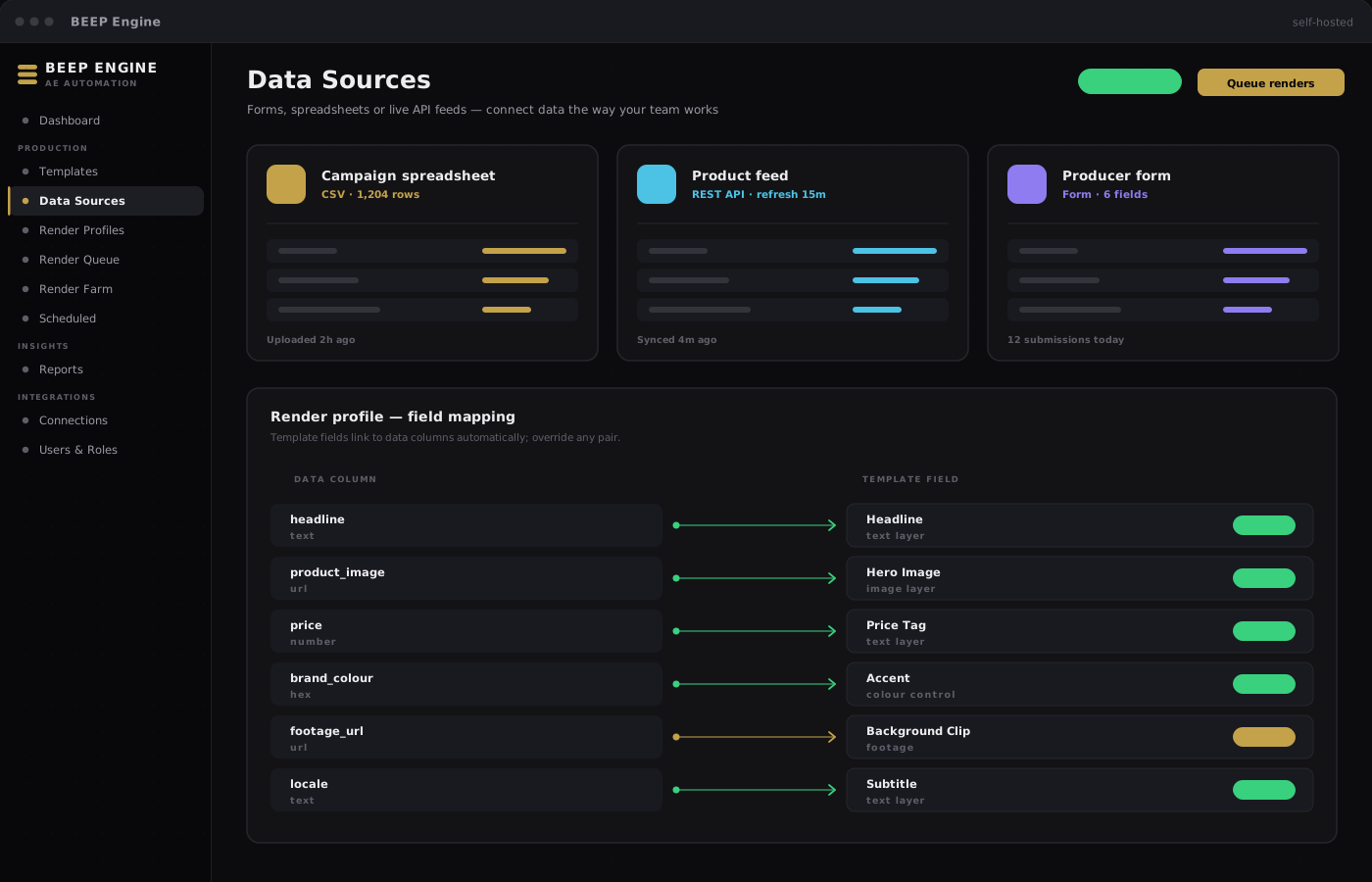
Three ways to feed it data

Three ways to feed it data

Data your way:

Connect structured data however your team works — forms for teammates, spreadsheets for bulk rows, live API feeds, or one-off imports.

Request a walkthrough

Includes:

  • Forms for non-technical teammates
  • Spreadsheets — upload a CSV or Excel file
  • API feeds that refresh on demand or on schedule
003.

Truly headless rendering

Truly headless rendering

Nothing takes the screen:

Renders happen in the background. After Effects never takes over the workstation — nothing pops up, nothing to dismiss.

Request a walkthrough

Includes:

  • No render windows blocking the machine
  • The workstation stays usable while jobs queue
  • Scale concurrency to match your hardware
004.

Real-time queue with live logs

Real-time queue with live logs

See everything:

Watch every job progress in real time. Preview and download the moment a render finishes — and see exactly what went wrong when one does not.

Request a walkthrough

Includes:

  • Live progress for every job in the queue
  • Instant preview and download on completion
  • Clear error detail when something fails
005.

Auto-discover saves hours of setup

Auto-discover saves hours of setup

Drop it in:

Drop in a new project and BEEP Engine finds editable layers automatically — then proposes a ready-to-use template and data source in a single click.

Request a walkthrough

Includes:

  • Automatic detection of editable layers
  • One-click template setup
  • Bundle footage with your project upload
006.

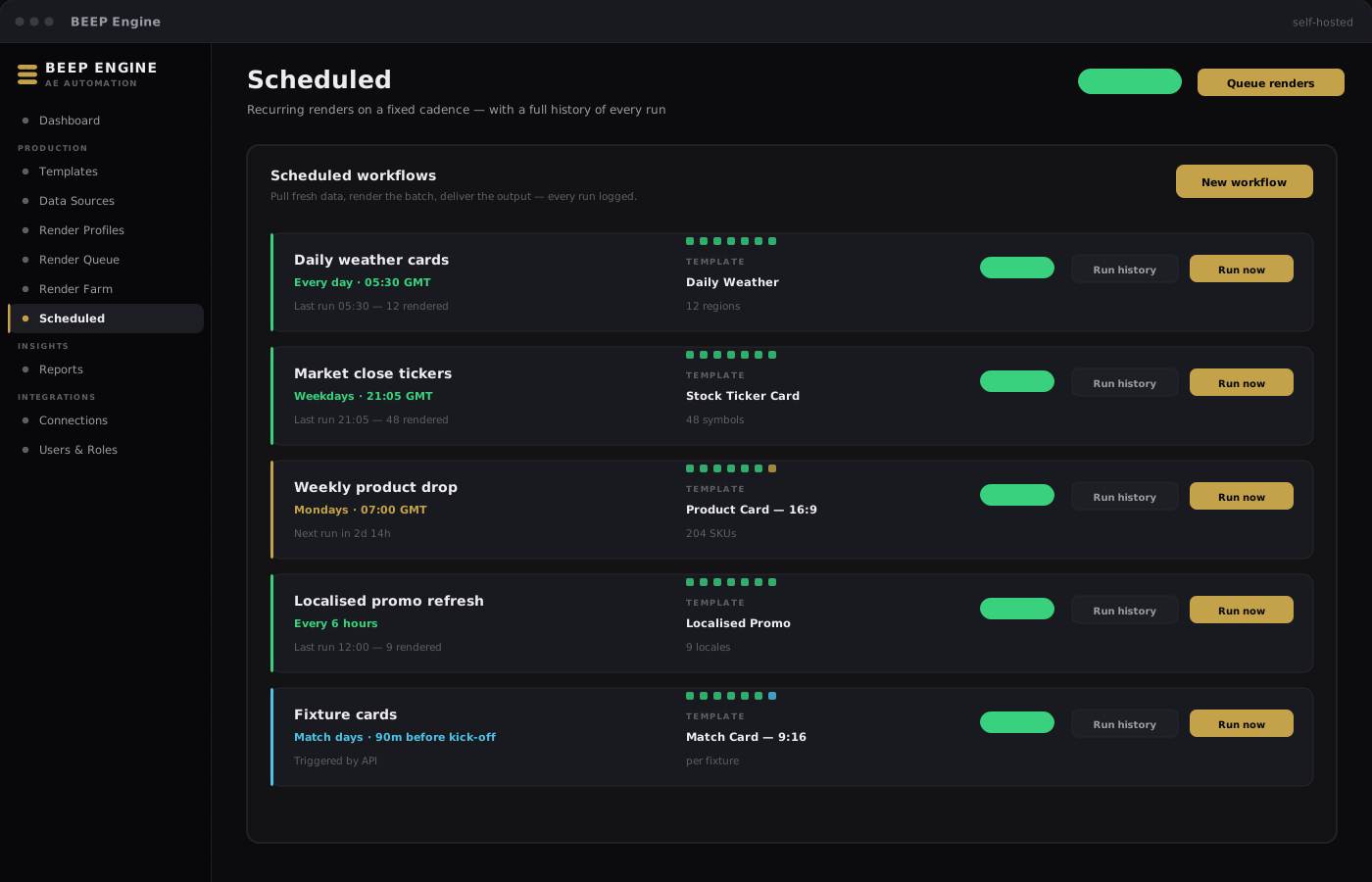
Scheduled workflows

Scheduled workflows

Set it running:

Set renders to run on a recurring schedule — pull fresh data, render the graphics, deliver the output. Every run is logged so operations always knows what fired.

Request a walkthrough

Includes:

  • Recurring daily, weekly or custom schedules
  • Fresh data pulled before each run
  • Full history of every scheduled execution
007.

Render Farm for ad-hoc work

Render Farm for ad-hoc work

No setup needed:

Sometimes you just need an existing project rendered as-is — no template setup, no field mapping. Render Farm handles that.

Request a walkthrough

Includes:

  • Drop in any project and render
  • No template configuration required
  • Same queue, tracking and delivery options
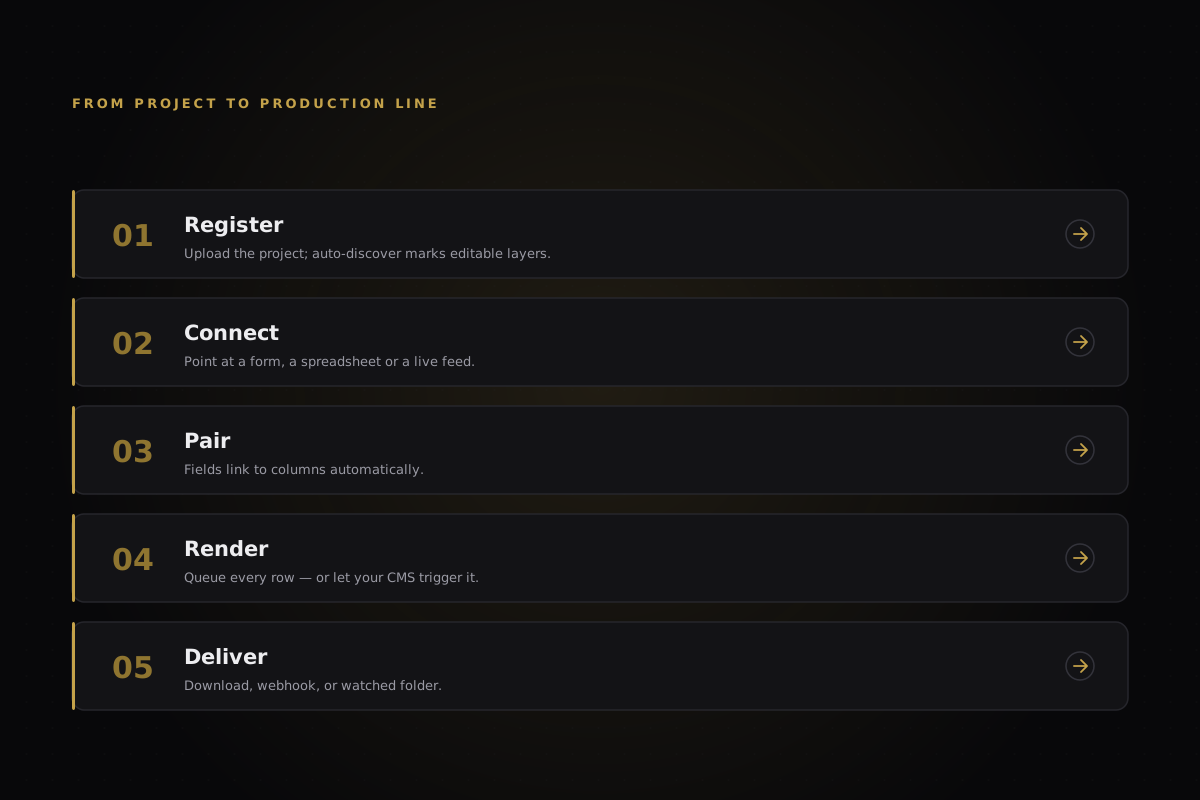
How a typical setup looks
  • 01

    Drop in a template

    Upload your After Effects project. Auto-discover marks editable layers for you.

  • 02

    Connect a data source

    Set up a form, upload a spreadsheet, or link a live data feed.

  • 03

    Create a profile

    Pair your template with a data source — fields link automatically.

  • 04

    Render

    Queue all rows, a selection, or let your CMS trigger renders automatically.

  • 05

    Receive the output

    Download from the queue, get a webhook notification, or deliver to a watched folder.

Five steps from template to delivery
Integrations

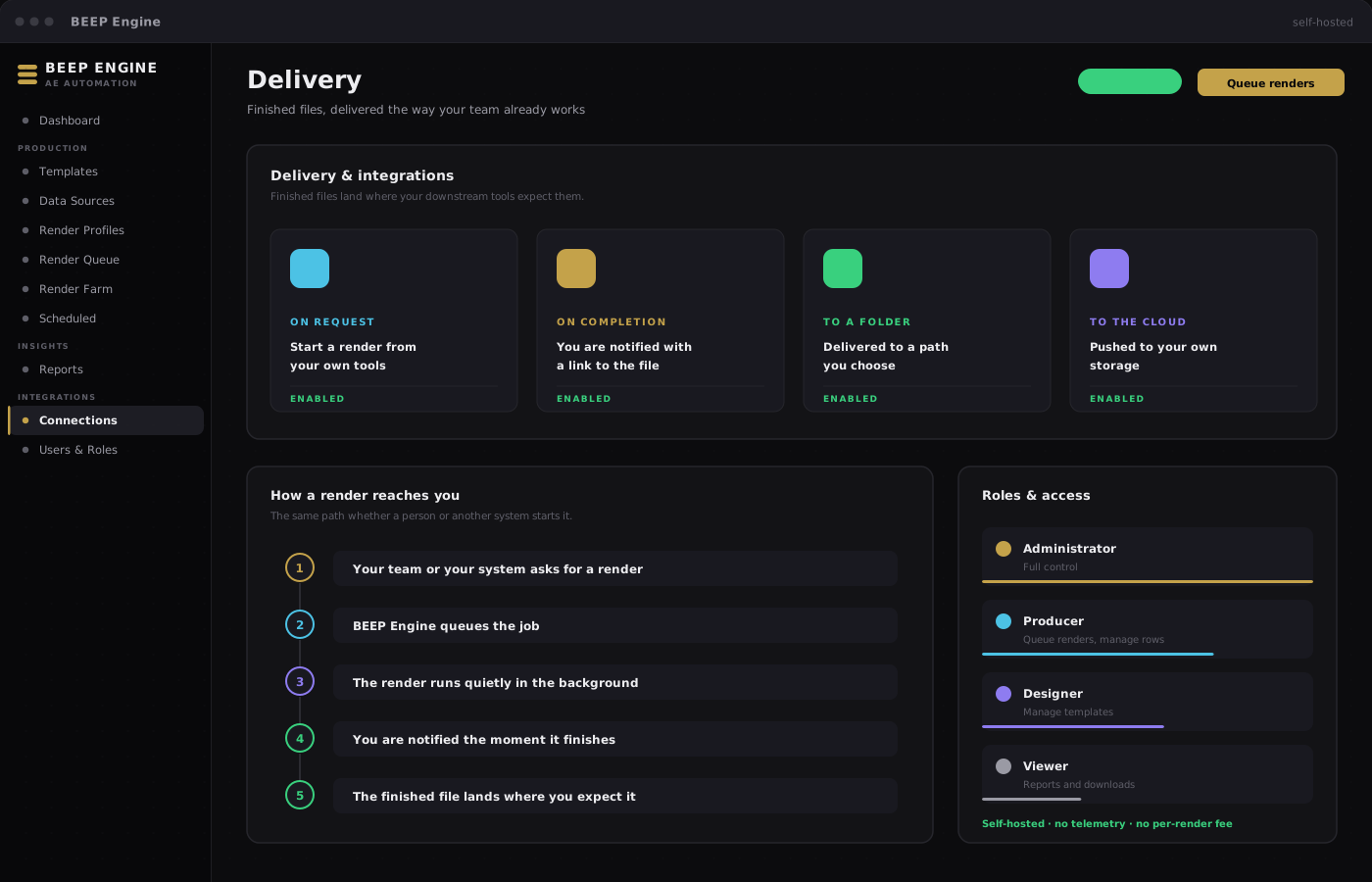
Your CMS, automation platform, internal dashboard or customer-facing personalisation service can all trigger renders the same way your team does in the panel.

  • Start a render from the systems your team already uses
  • Secure, individually governed access for each service
  • Live job status you can surface in your own dashboards
  • Automatic notification the moment a render finishes
  • Finished files delivered where your downstream tools expect them
BEEP Engine API and delivery options
Scheduled workflows and run history
Security & access control

BEEP Engine is self-hosted — your projects, fonts, data and renders stay on your infrastructure. Nothing is sent to a third-party render service.

  • Role-based access across templates, queue and reports
  • Fine-grained team permissions
  • Secure sign-in with individual accounts
  • Audit-friendly logging with one-click export
  • No telemetry and no per-render fee
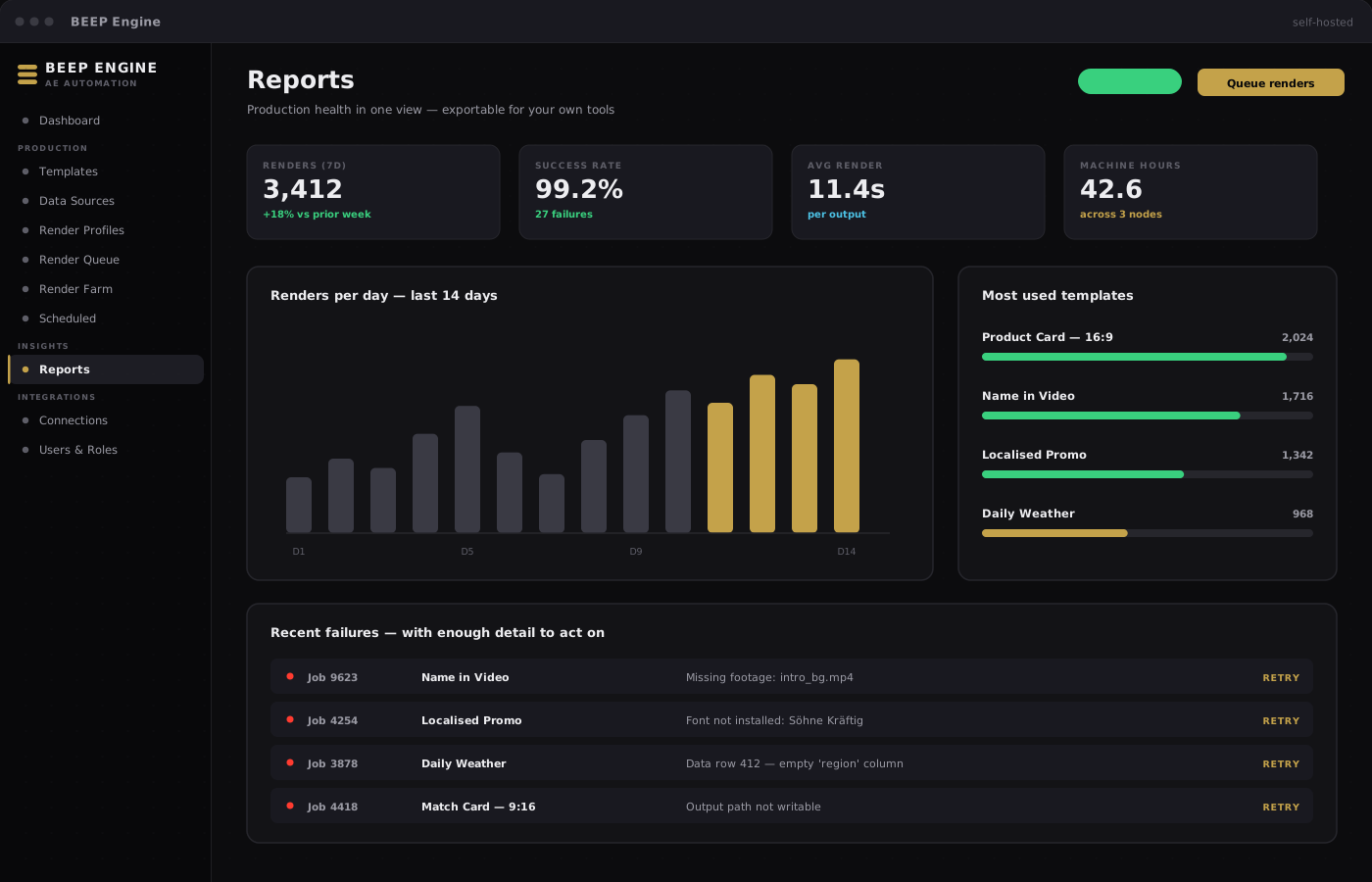
Reports & observability

The Reports page gives operations a single view of production health — exportable for your own reporting tools.

  • Success rates and render volumes at a glance
  • Recent activity across the last 24 hours and 7 days
  • Which templates are used most, and how reliably
  • Recent failures with enough detail to act on
  • Scheduled workflow activity
BEEP Engine reports
COMMON QUESTIONS
BEEP Engine template library
  • Does it open After Effects on the machine?
    No. Renders run in the background — nothing takes over the screen.
  • Can the machine still be used while renders are queued?
    Yes. Renders run separately, so the workstation stays available for other work.
  • What output formats are supported?
    Any format After Effects can produce — video, image sequences, and more. Configure defaults globally or per template.
  • Does it support team collaboration?
    Yes. Multiple users with role-based permissions, a shared job queue, and notifications for everyone on the team.
  • What about fonts and footage?
    Standard After Effects rules apply — footage travels with the project, and brand fonts are installed on the render machine during setup. We walk you through it during onboarding.
  • How is it different from a render farm service?
    Render farms render your file for you. BEEP Engine lets you turn your project into a templated service others can use — with no After Effects knowledge required.
  • Can I extend it?
    Yes. BEEP Engine is built to be driven by your existing tools, so renders can be triggered automatically from the systems your team already runs.
What you get

Full application

The complete BEEP Engine — control panel and render worker, ready for production.

Onboarding support

Hands-on help wiring up your first template and data source.

Role-tailored documentation

The in-app Help & Guide shows only what the current user can act on.

Ongoing updates

Product updates are included with your purchase.

Let’s talk now

Tell us about BEEP Studio, BEEP Engine, or both — we’ll help you find the right starting point.

Start a conversation