BEEP Engine · macOS & Windows · self-hosted
BEEP Engine turns a single After Effects project into a production line. Register a template once, connect your data — a form, a spreadsheet, or an API — and produce hundreds or thousands of finished videos without anyone opening After Effects by hand.
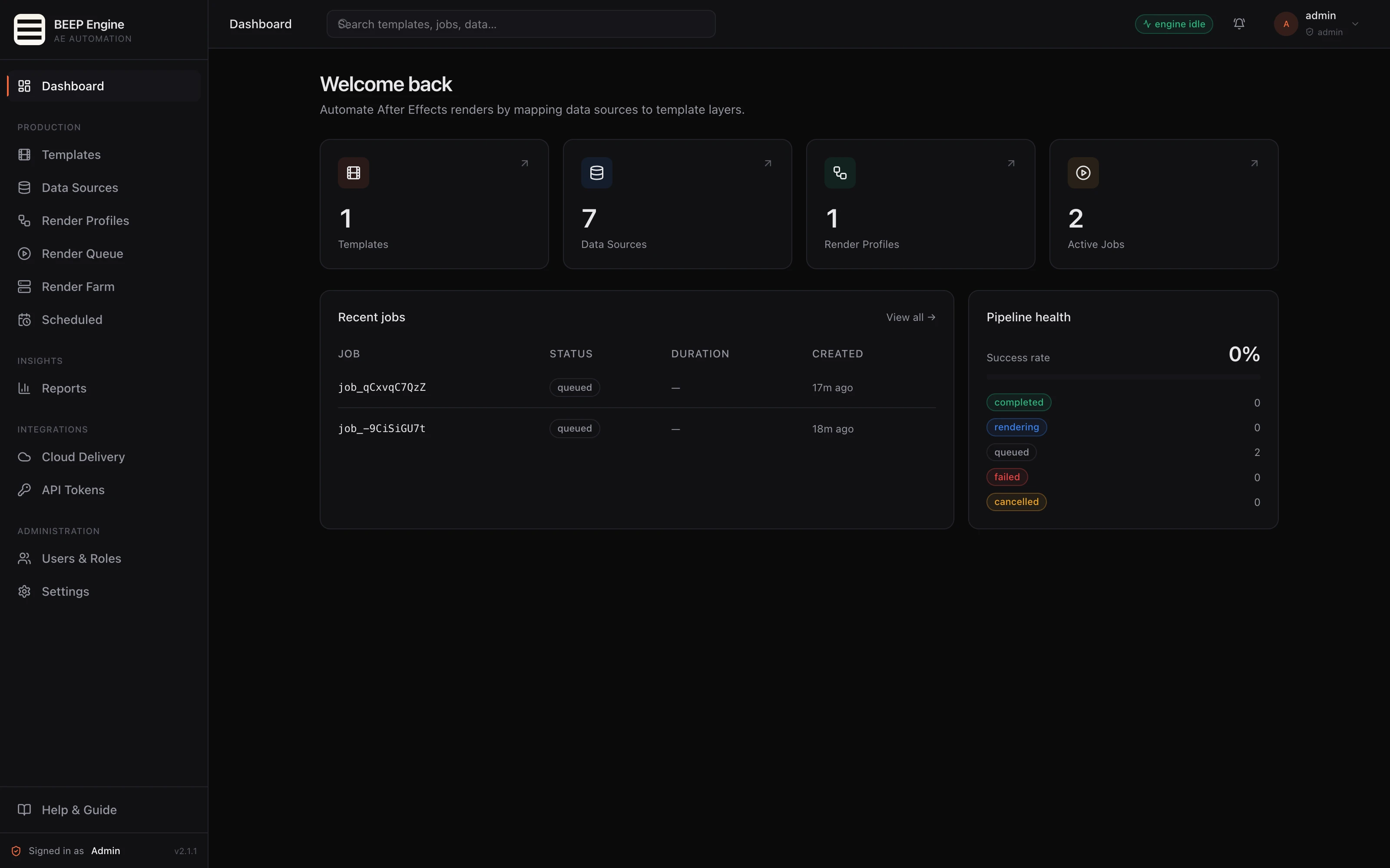
Register your After Effects project once and mark what changes between renders — headlines, images, colors, footage. Every variation after that is a few clicks or an automated trigger.
Renders run in the background. No one needs to sit at a workstation and babysit the queue. The same machine can serve producers entering data and a render pipeline working through the backlog.
If today's workflow is "open AE, edit, render, repeat" — BEEP Engine replaces that loop.
Localized, personalized, and templated video at volume — social ads, product cards, name-in-video campaigns, daily reports.
Recurring, data-driven graphics on a fixed schedule — lower-thirds, weather, stock tickers, sports cards.
Build a template once for a client and give the account team a non-technical way to render variations.
A programmable render service your other tools can drive — instead of operators manually rendering files one at a time.
What it does
Upload your After Effects project once. Mark the fields that change row to row. Every render of that template is a few clicks — or fully automated.
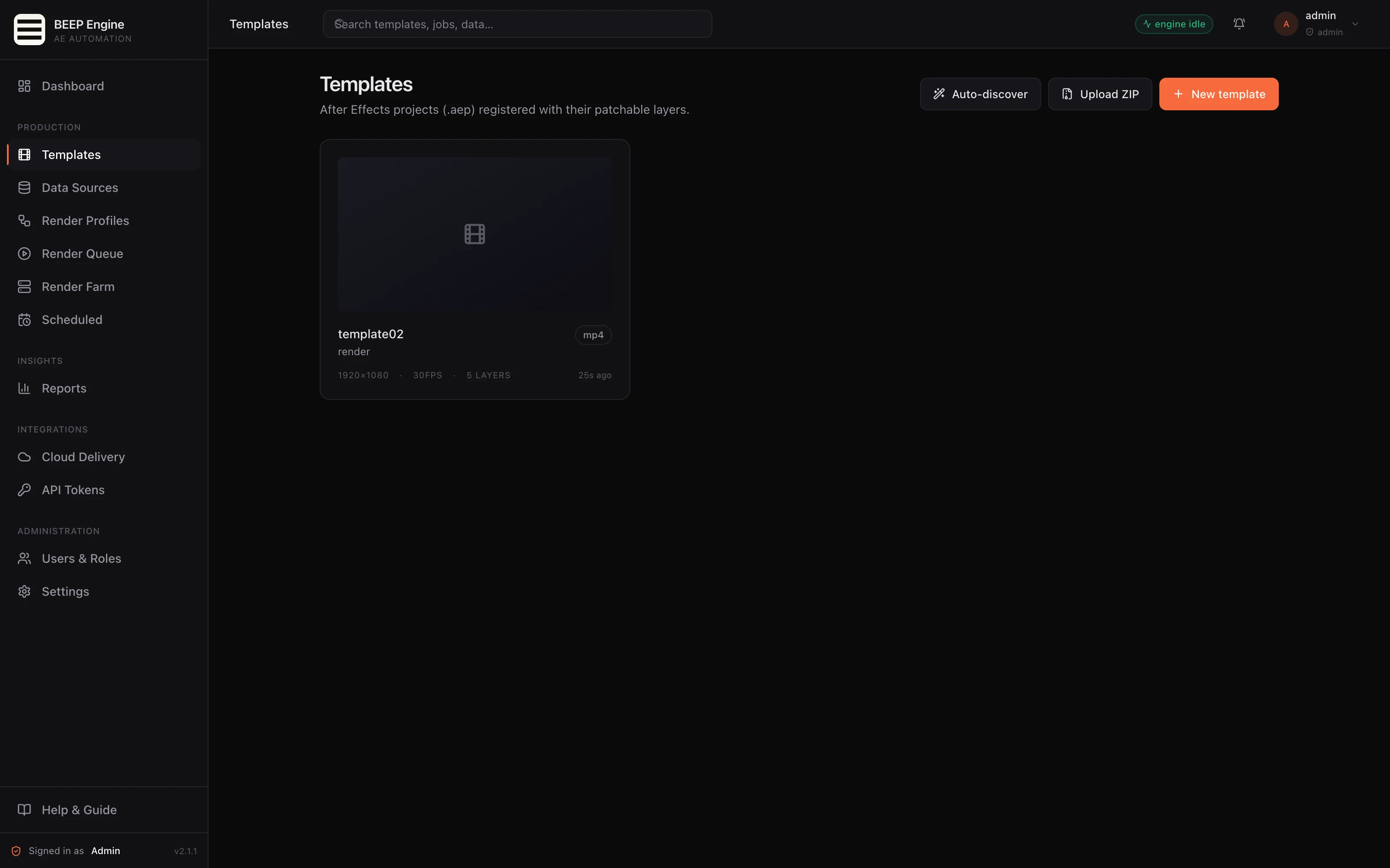
Connect structured data however your team works — forms for teammates, spreadsheets for bulk rows, live API feeds, or one-off imports.
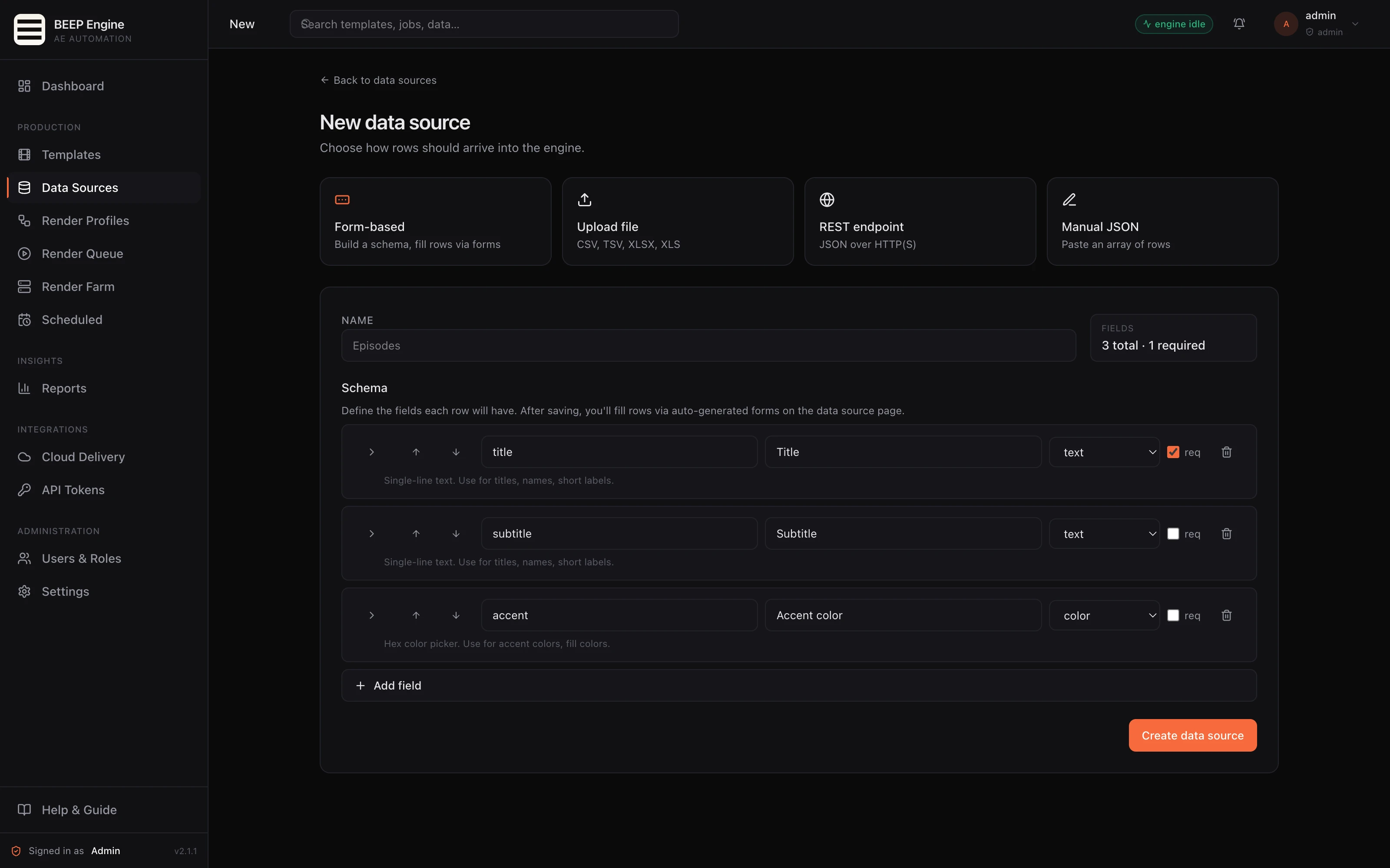
Renders happen in the background. After Effects never takes over the screen — nothing pops up, nothing to dismiss.
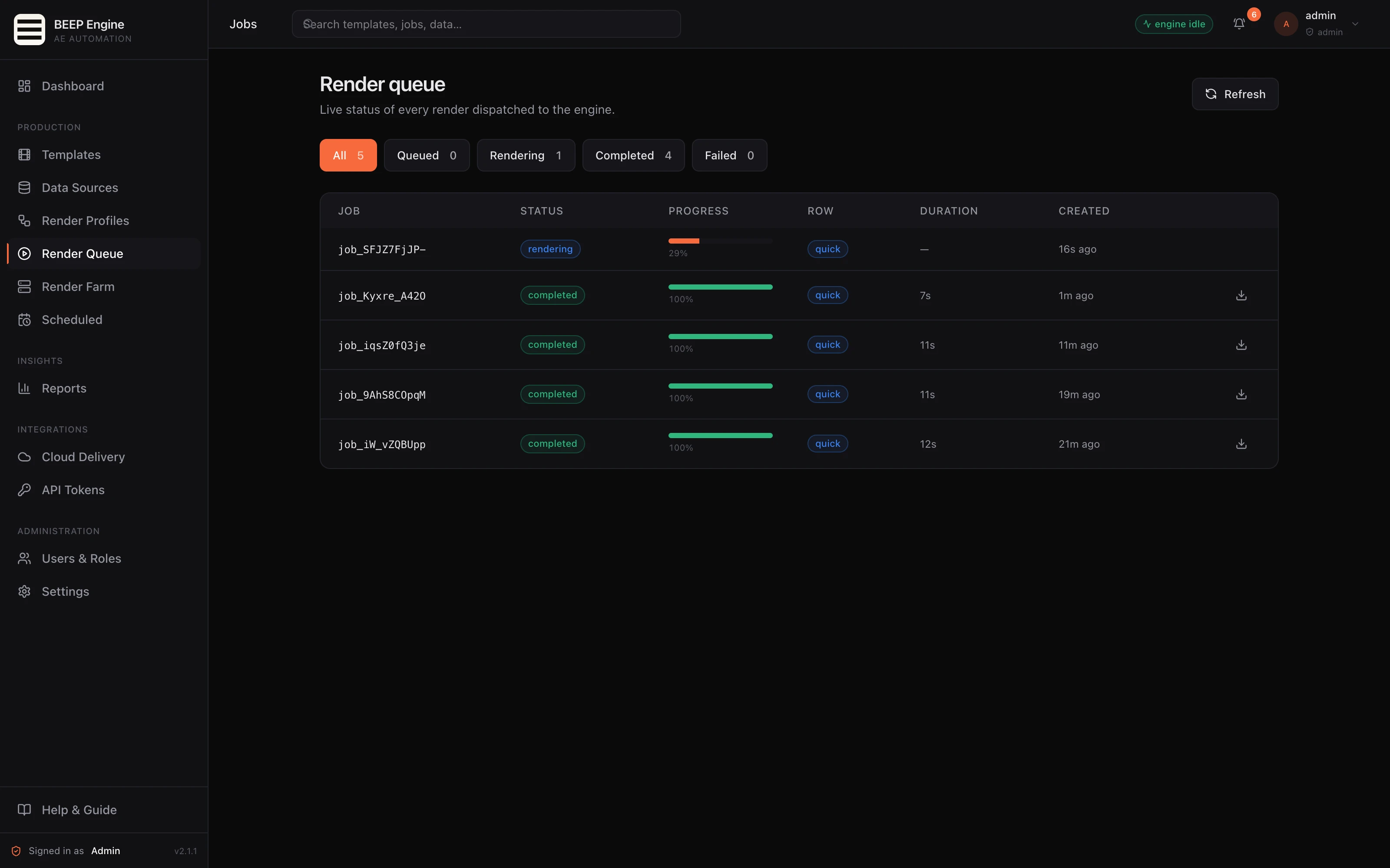
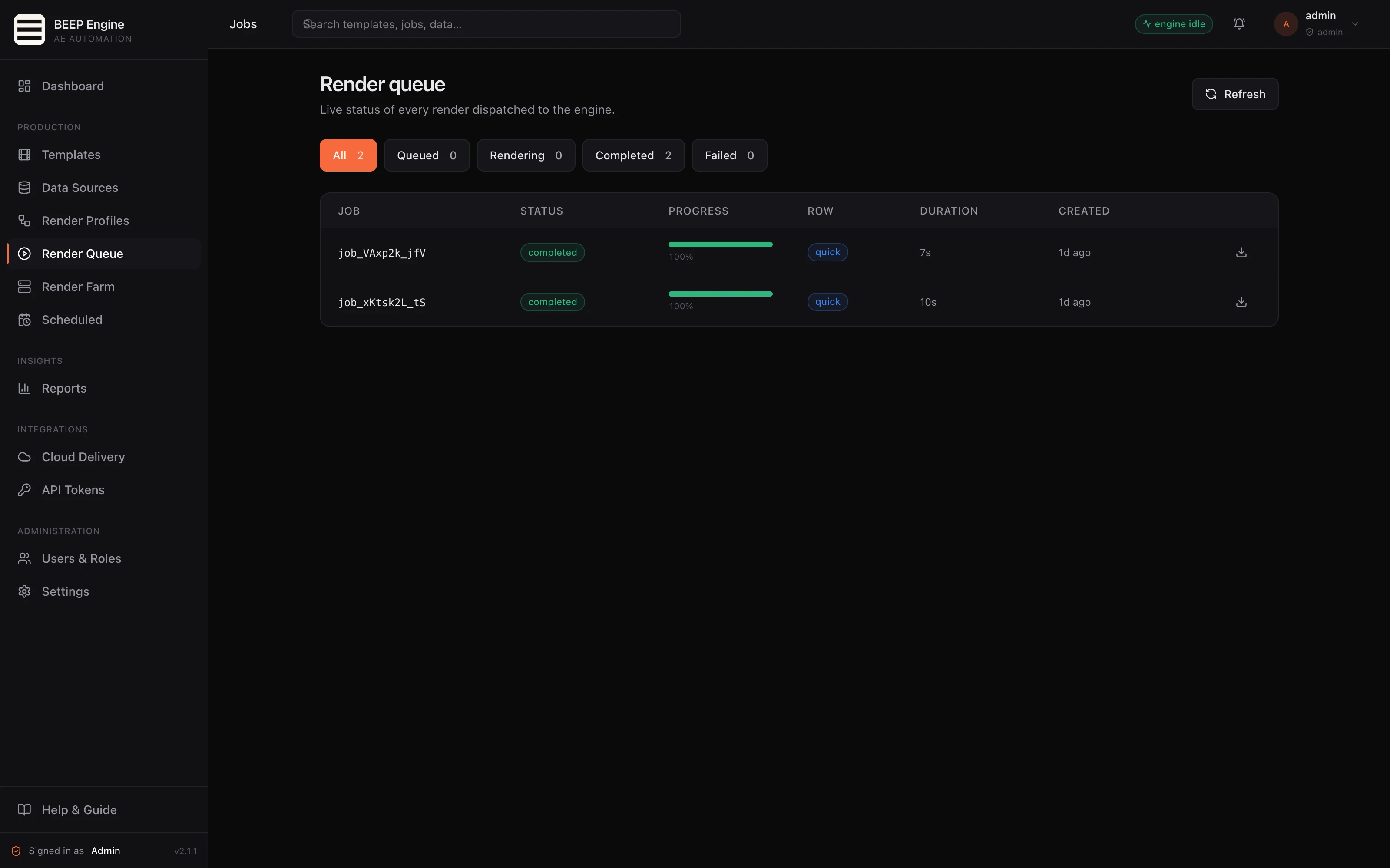
Watch every job progress in real time. Preview and download the moment a render finishes — and see exactly what went wrong when one doesn't.
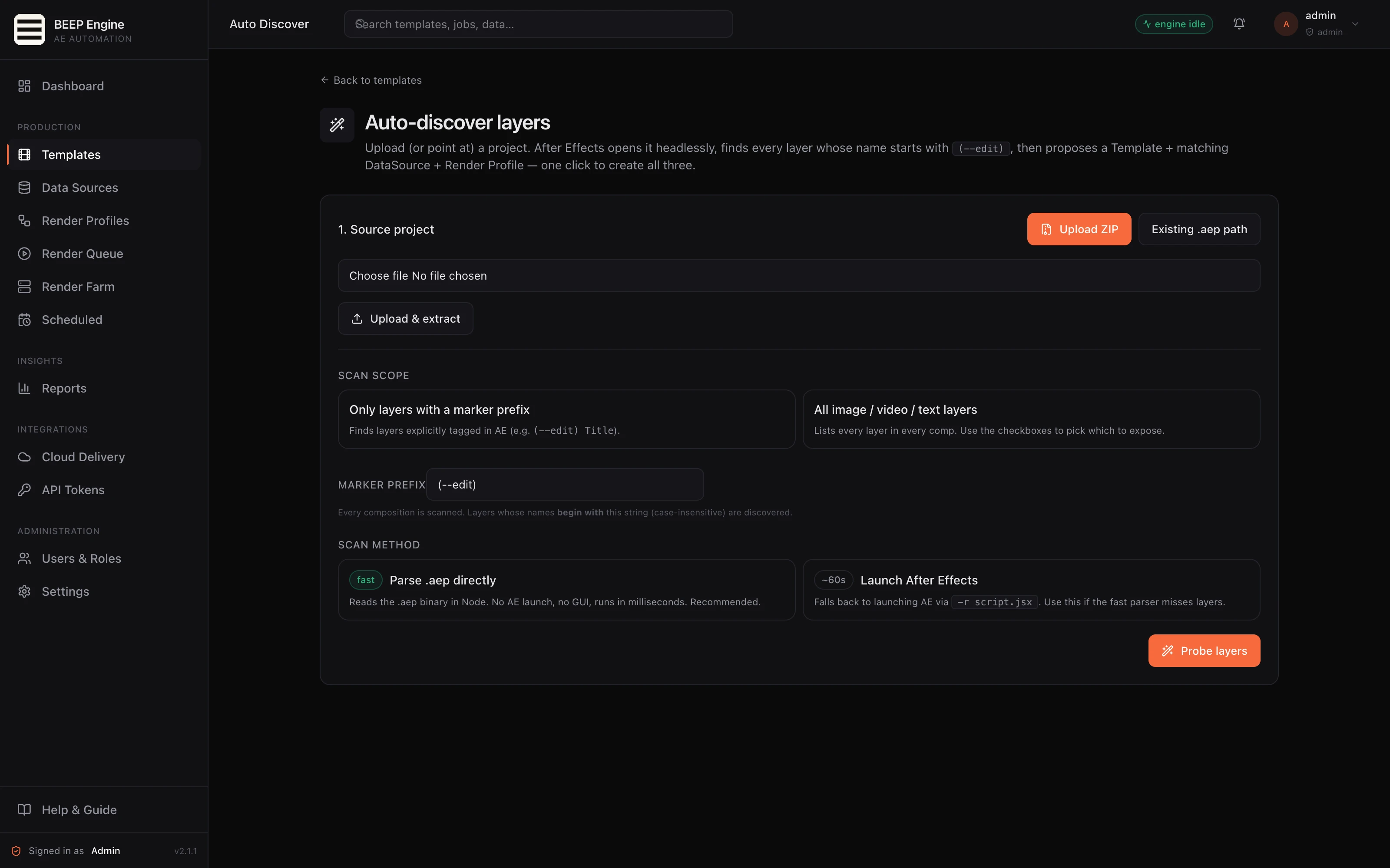
Drop in a new project and BEEP Engine finds editable layers automatically — then proposes a ready-to-use template and data source in a single click.
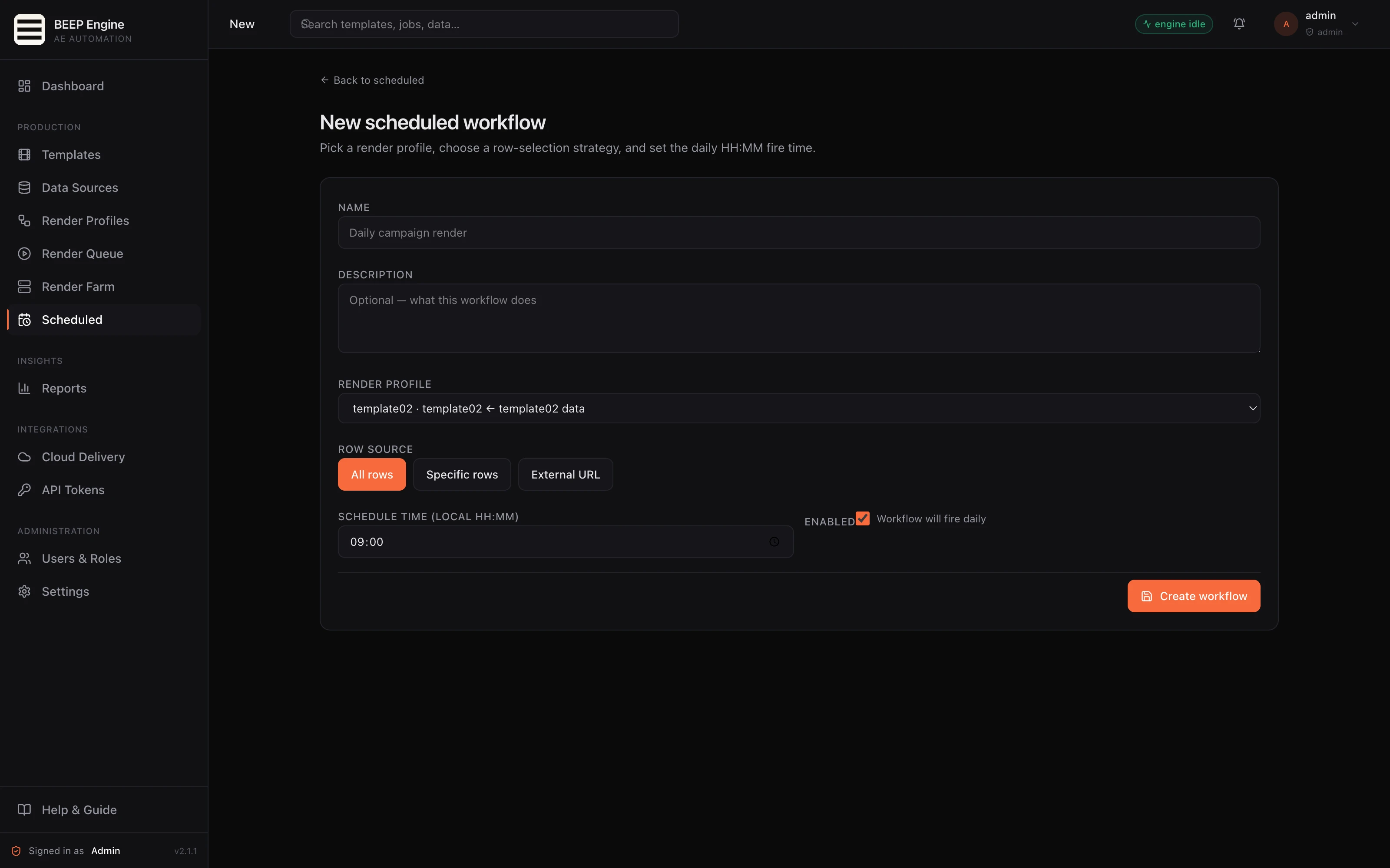
Set renders to run on a recurring schedule — pull fresh data, render the graphics, deliver the output. Every run is logged so operations always knows what fired and what was produced.
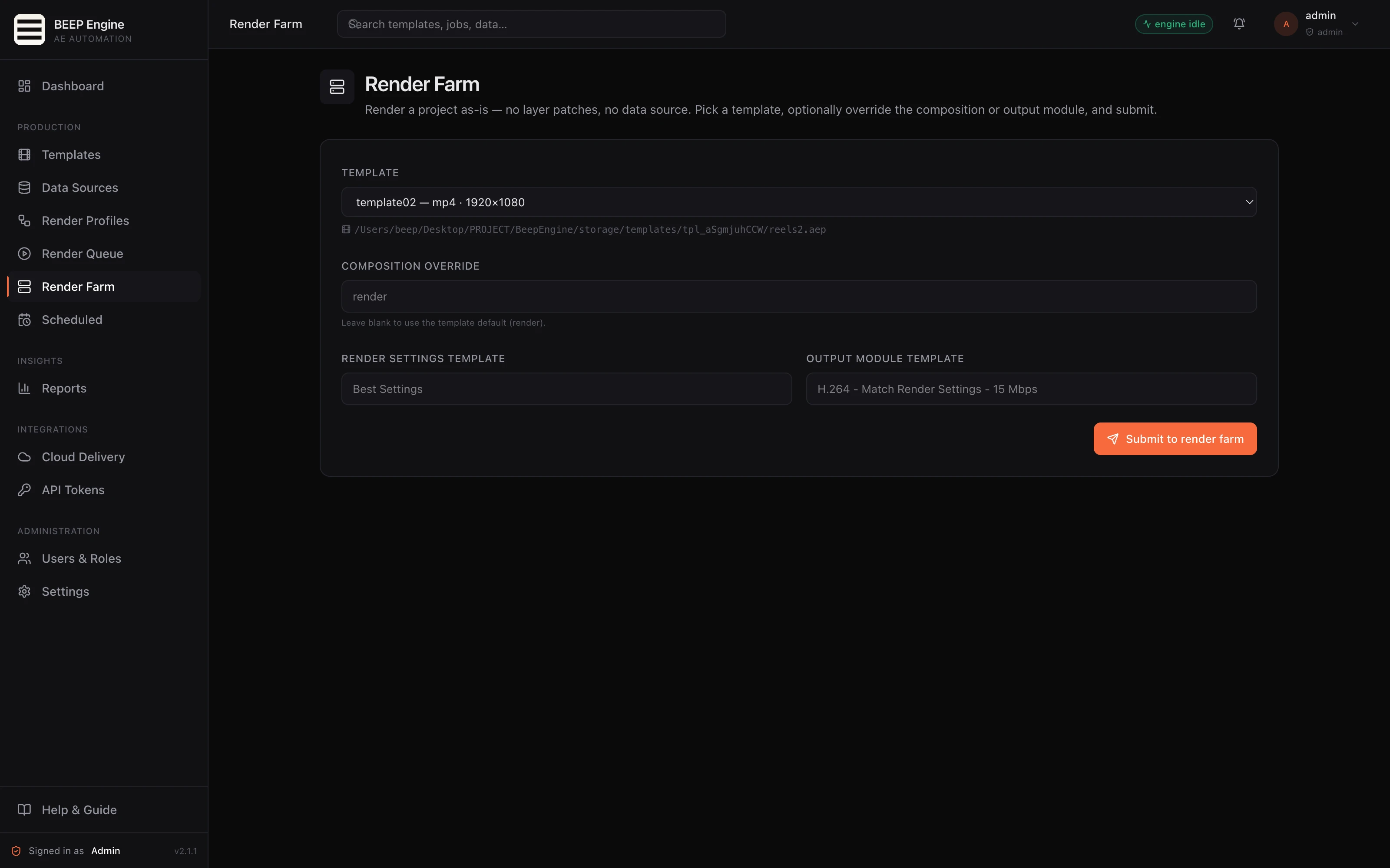
Sometimes you just need an existing project rendered as-is — no template setup, no field mapping. Render Farm handles that.
See how teams go from template to finished output — upload, queue, review, and deliver.
A template that took 30 minutes to render manually now renders 100× in the time it takes to write a column of headlines.
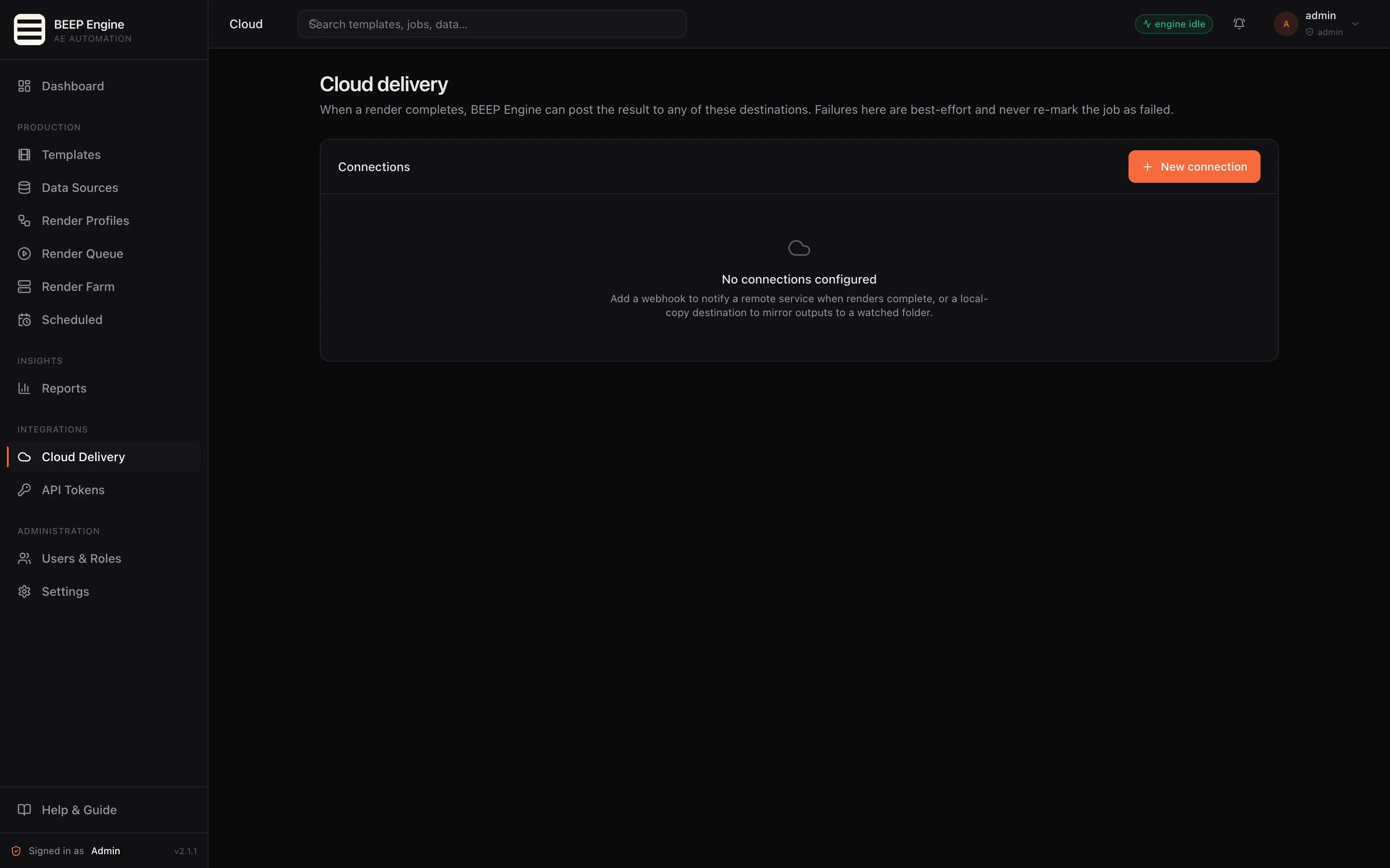
Your CMS, automation platform, internal dashboard, or customer-facing personalization service can all trigger renders the same way your team does in the panel.
Self-hosted — your projects, fonts, data, and renders stay on your infrastructure. Nothing is sent to a third-party render service.
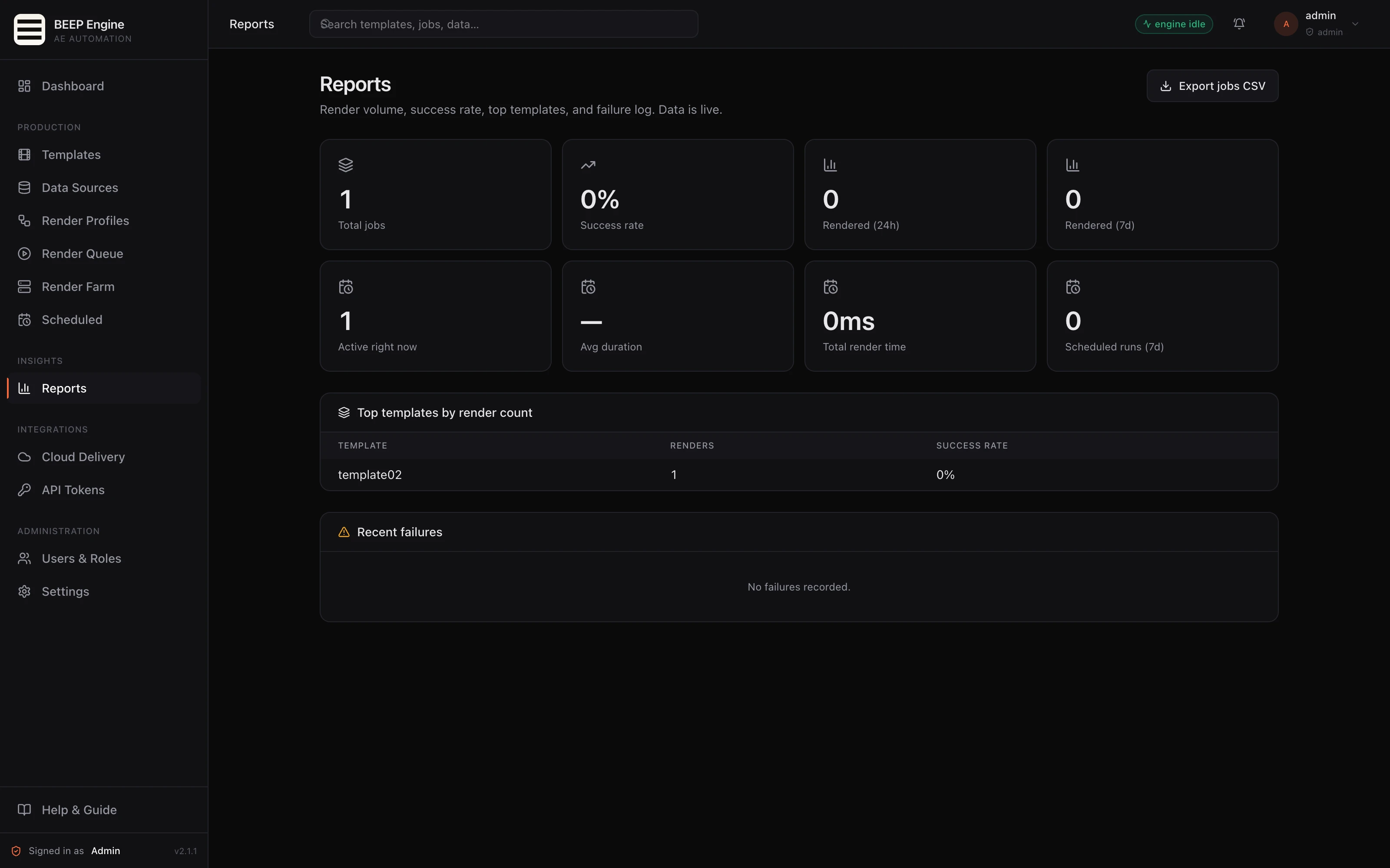
The Reports page gives operations a single view of production health — exportable for your own reporting tools.
BEEP Engine runs on your hardware alongside After Effects on macOS and Windows. There is no required cloud component, no telemetry, and no per-render fee. How you run it depends on your production — we can help you find the right fit for your team.
No. Renders run in the background — nothing takes over the screen.
Yes. Renders run separately, so the workstation stays available for other work.
Any format After Effects can produce — video, image sequences, and more. Configure defaults globally or per template.
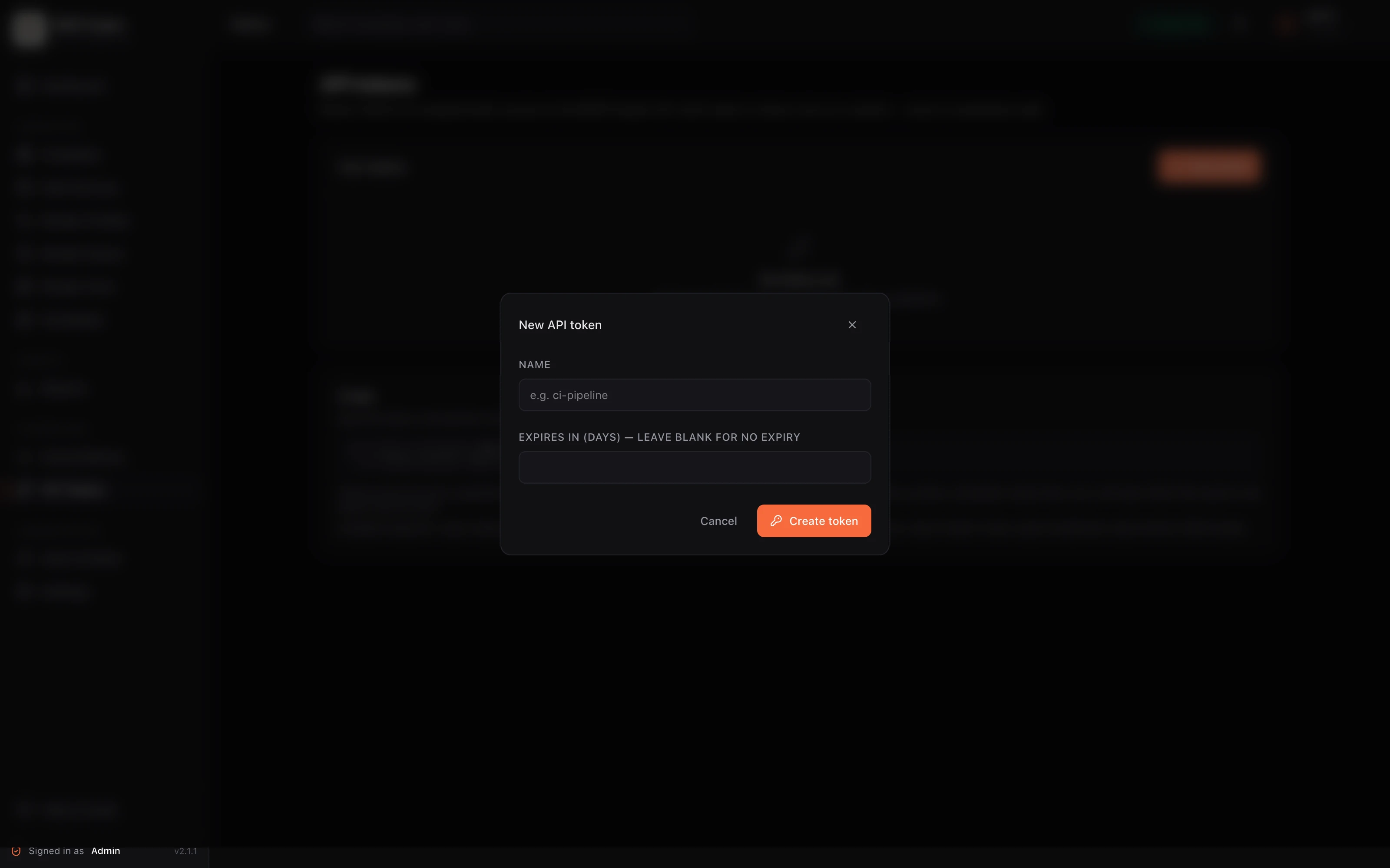
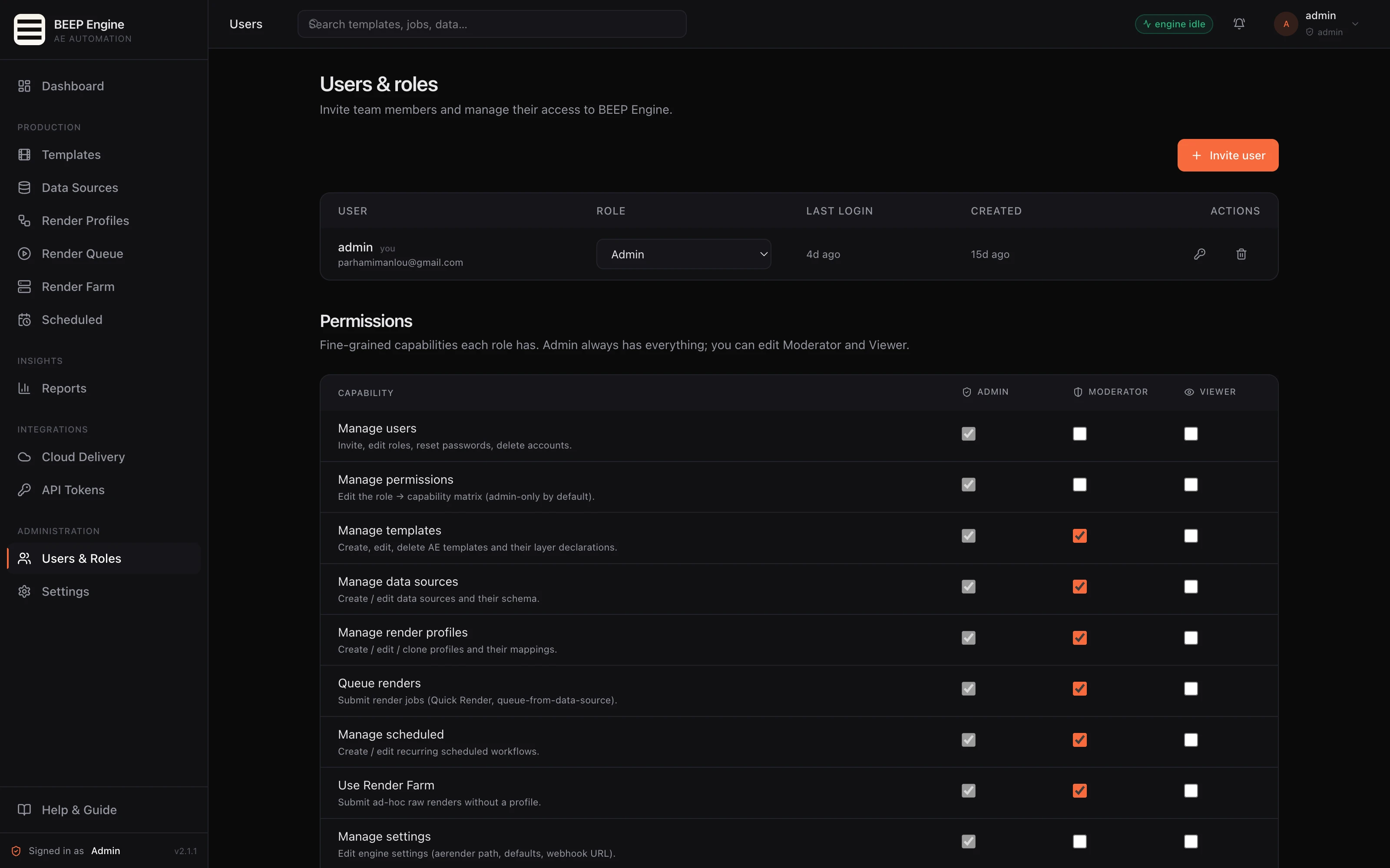
Yes. Multiple users with role-based permissions, a shared job queue, and notifications for everyone on the team.
Standard After Effects rules apply. Bundle footage with your project upload; install fonts on the render machine before registering a template.
Render farms render your file for you. BEEP Engine lets you turn your project into a templated service others can use — with no After Effects knowledge required.
Yes. A full API lets you integrate BEEP Engine into your existing tools and workflows.
The complete BEEP Engine — control panel and render worker, ready for production.
Hands-on help wiring your first template and data source.
In-app Help & Guide shows only what the current user can act on.
Product updates included with your purchase.
Want a walkthrough with one of your real projects? Have an existing render workflow to migrate? Need a custom delivery setup? We'd like to hear from you.