Broadcast Graphics Platform
A web-based broadcast graphics platform built for television networks that demand precision, speed, and creative control — from breaking news to live sports and prime time.
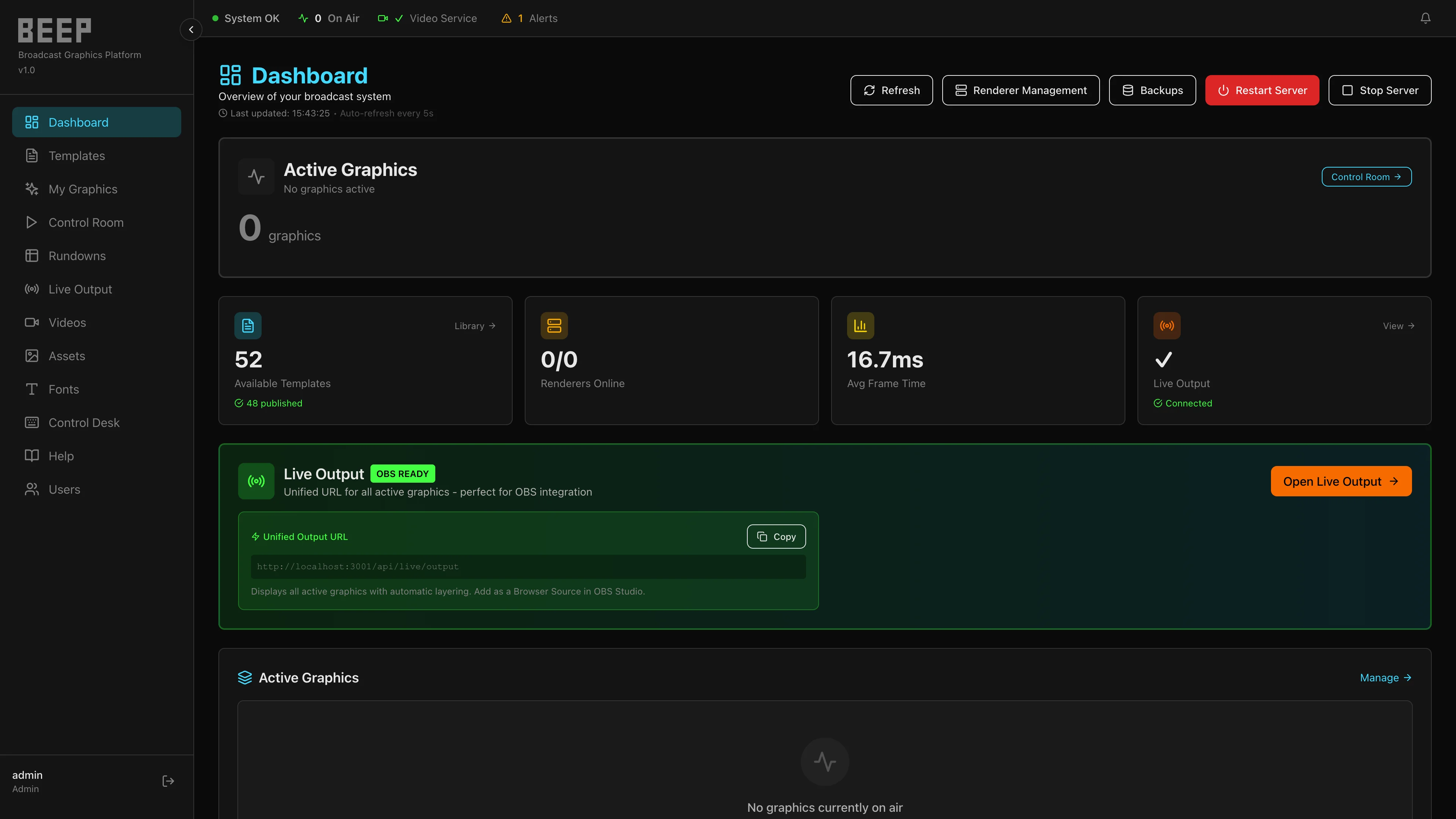
BEEP gives producers, operators, designers, and engineers a single shared platform for building graphics templates, publishing live instances, and delivering clean layered output to any broadcast environment — without the constraints of legacy character generator workflows.
Built on standard web technology, BEEP integrates naturally into existing studio infrastructure, cloud-hosted operations, and digital production pipelines. Every graphics decision — from design to air — is managed through one coherent, operator-friendly system.
Designed for news, sports, entertainment, live events, and digital publishing.
Update names, titles, scores, and headlines the moment they change. No pre-rendering, no waiting — graphics update live as your operator acts.
Design a graphic once. Publish it as many times as your production demands. Each instance has its own identity, metadata, and output link.
Each destination gets one URL for its entire graphics stack. Layer scoreboards, lower thirds, tickers, and bugs simultaneously — fed directly into OBS, vMix, or any browser-source workflow.
BEEP AI
BEEP AI is an integrated LLM assistant built into the Template Editor. Describe the graphic you need — BEEP AI proposes HTML, CSS, and JavaScript that follows BEEP template conventions, so designers ship faster without leaving the platform.
/beep-ai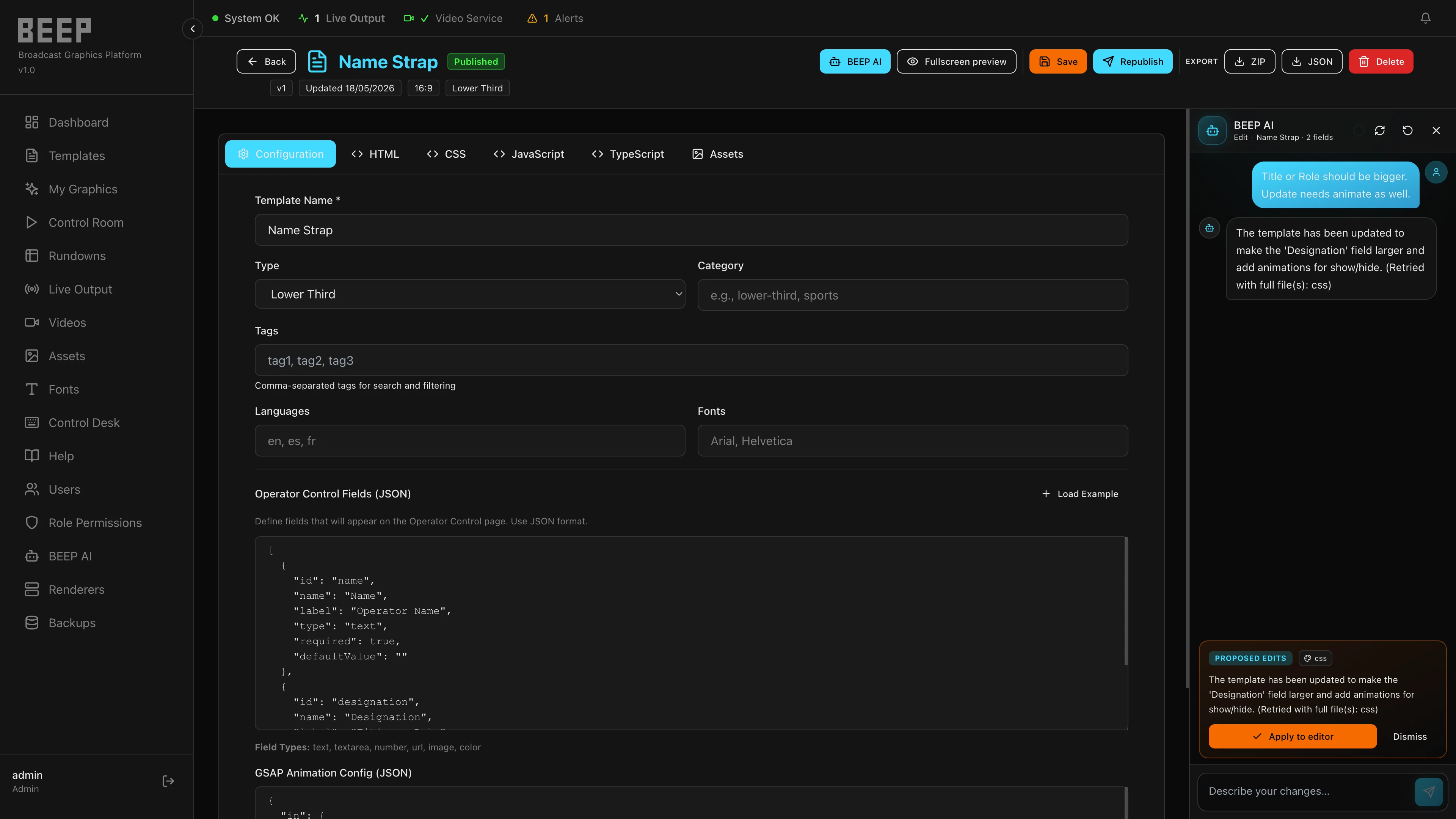
Platform Modules
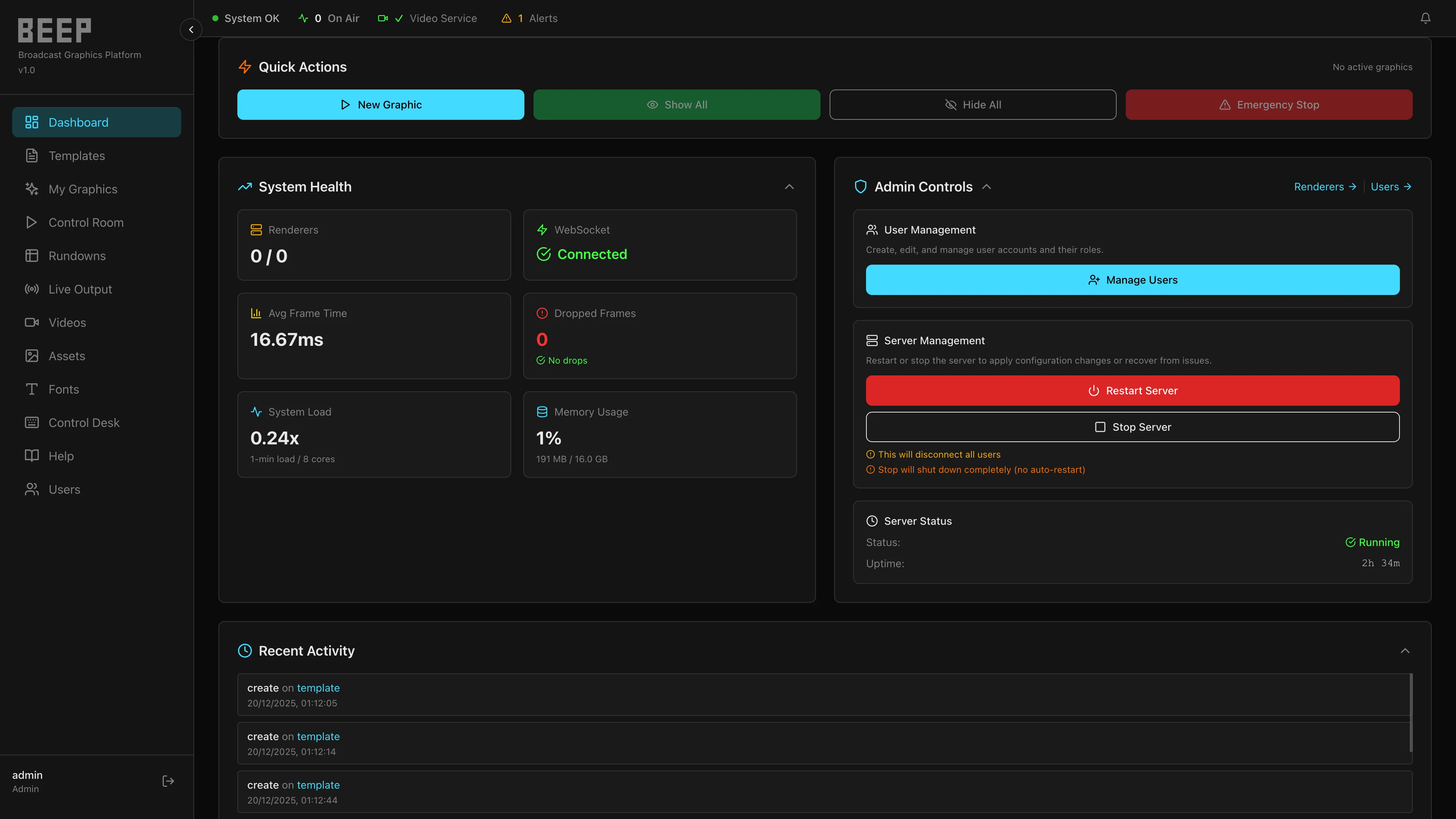
A high-level command view of platform health, active production state, renderer status, and operational alerts — so your technical team is always ahead of the show.
The foundation of your graphics system. Designers build reusable templates using HTML, CSS, and JavaScript — with animation support and JSON-defined operator fields.
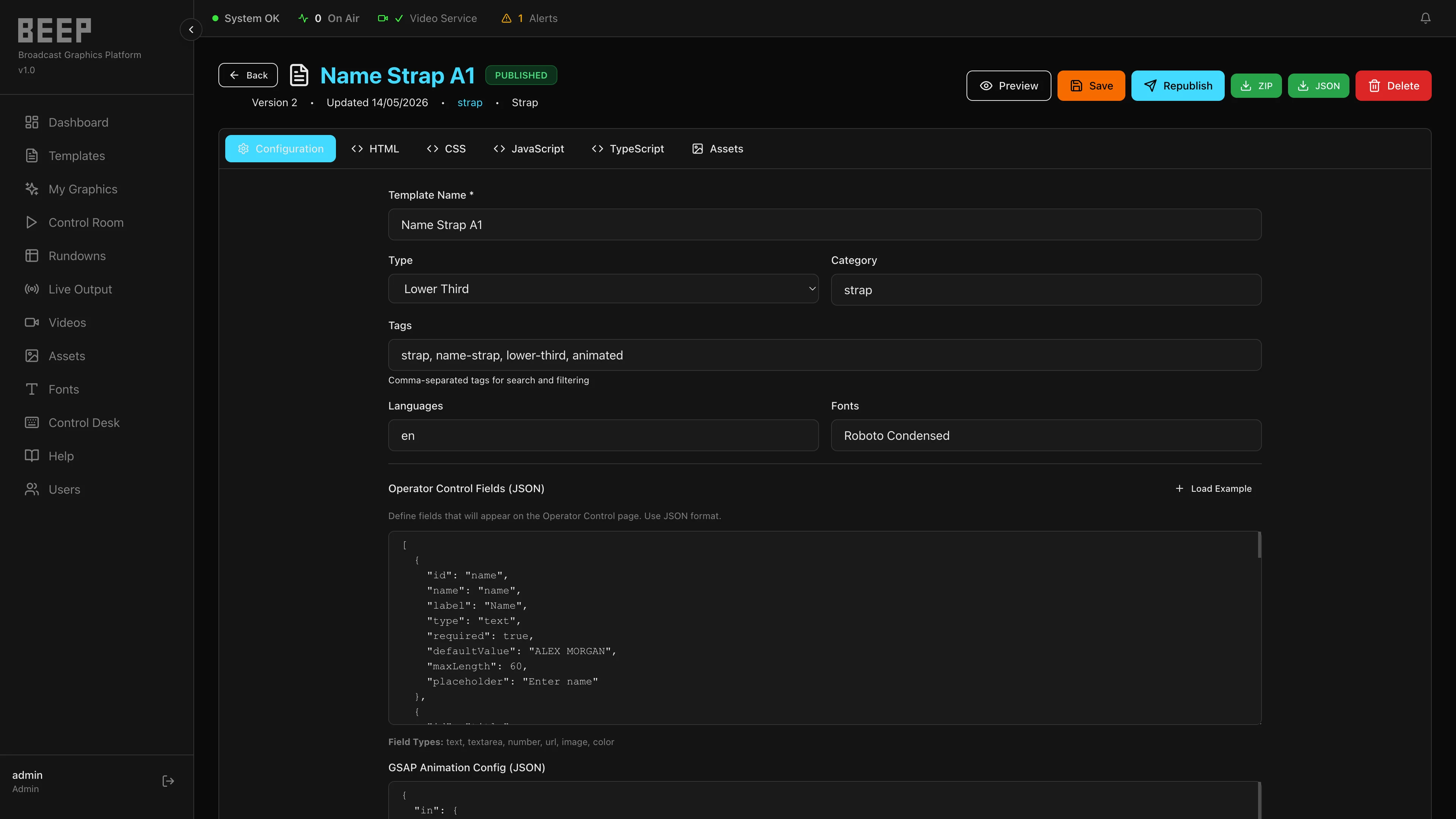
Every published graphic has its own identity. A Graphic ID is the production-ready instance — with its own metadata, state, and output URL — created from a shared template but living independently.
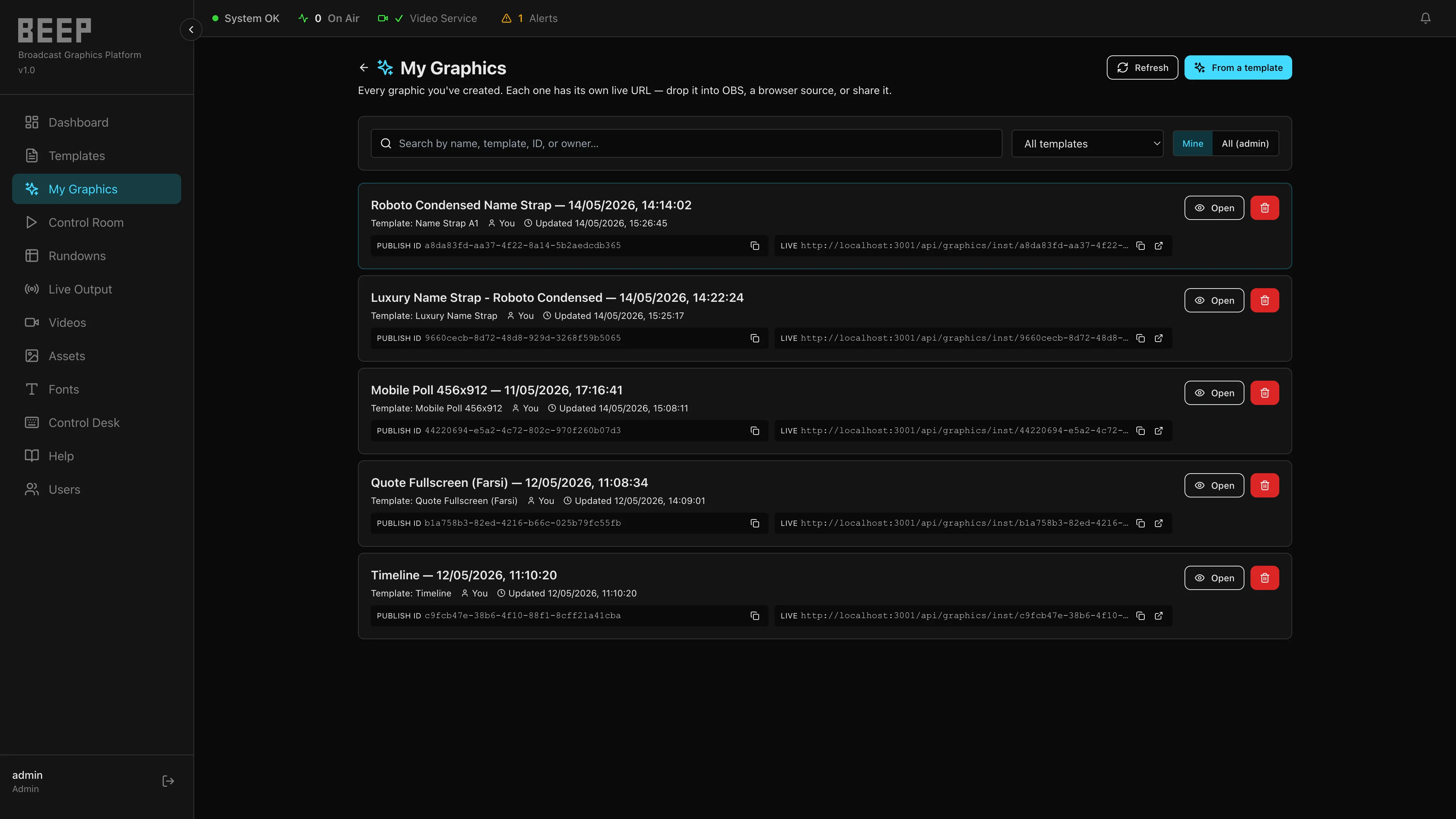
A focused, distraction-free interface for the operator on the floor. Edit, publish, preview, and control one graphic instance with complete clarity — seconds before it goes to air.
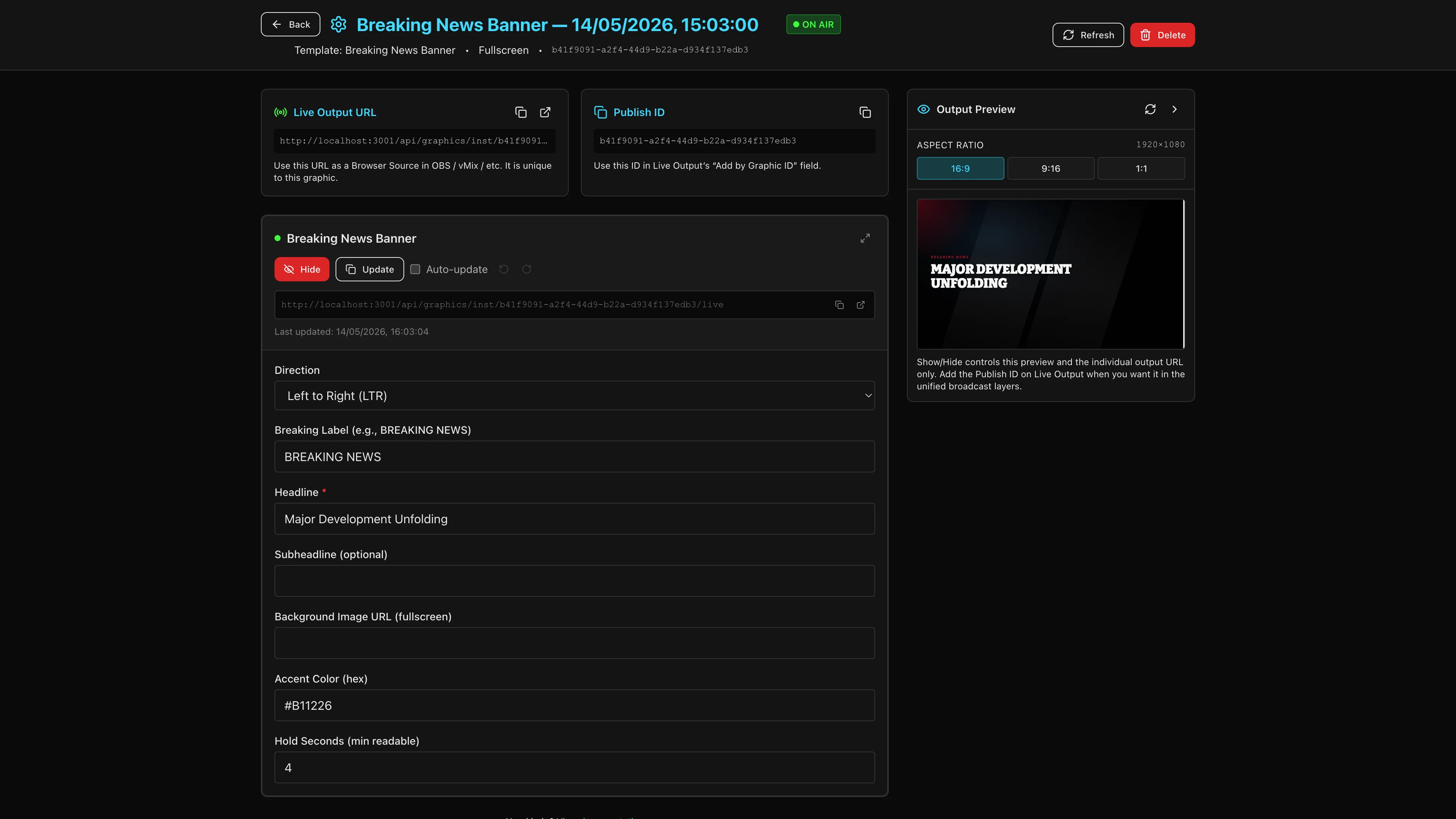
The routing layer behind every screen your graphics reach. Define named Outputs for each real destination — a program channel, a second PCR, a stream — each with its own resolution, built from reusable Layers and named Slots your operators route graphics into.
The day-to-day control surface for what's actually on air. Toggle the Outputs you're watching, route graphics into their Slots, and clear an entire layer in one action when a segment ends.
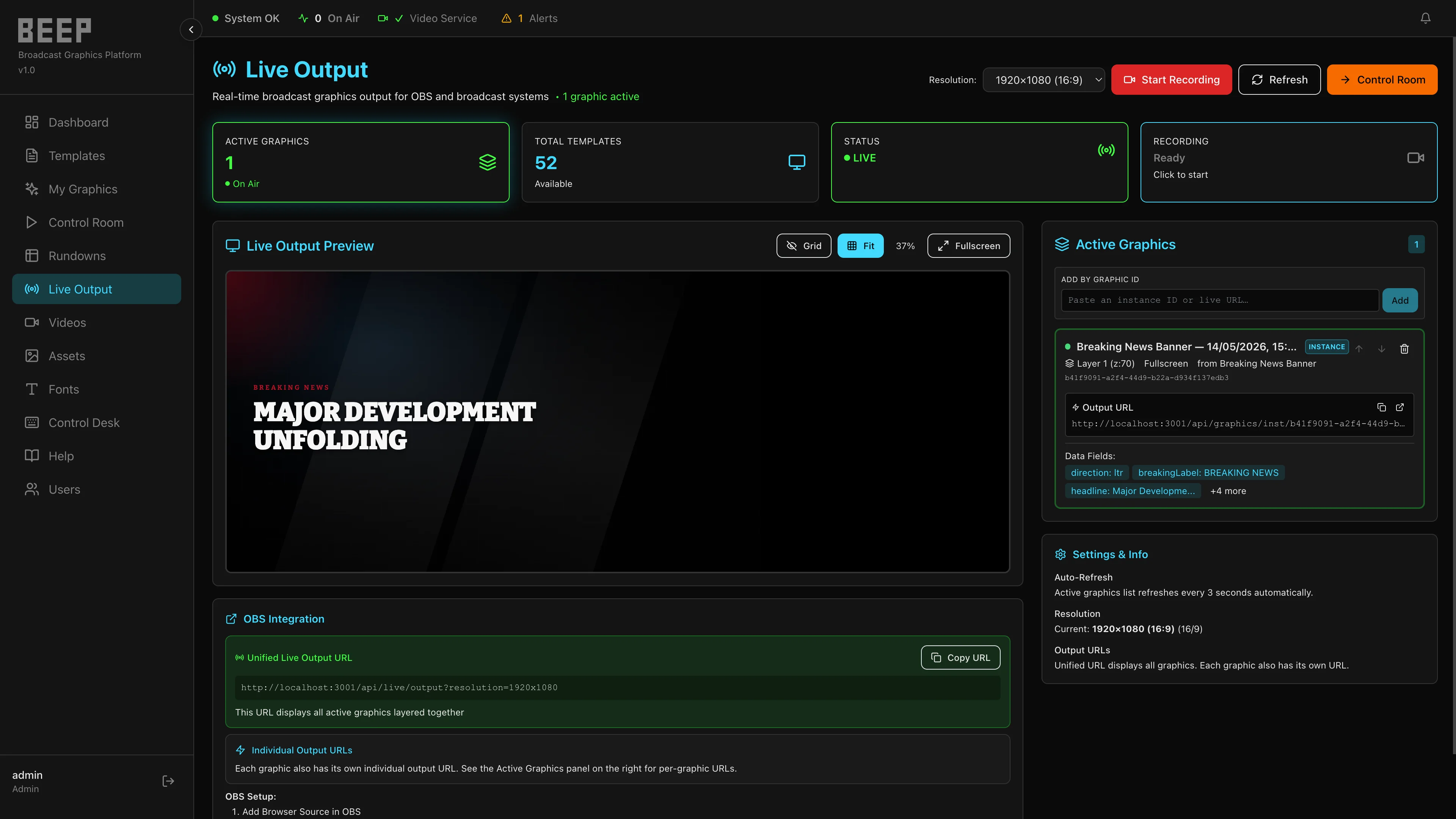
Precision scheduling for every element of your show. Assign Graphic IDs to a timed row, set GMT start and stop times, and BEEP handles execution automatically.
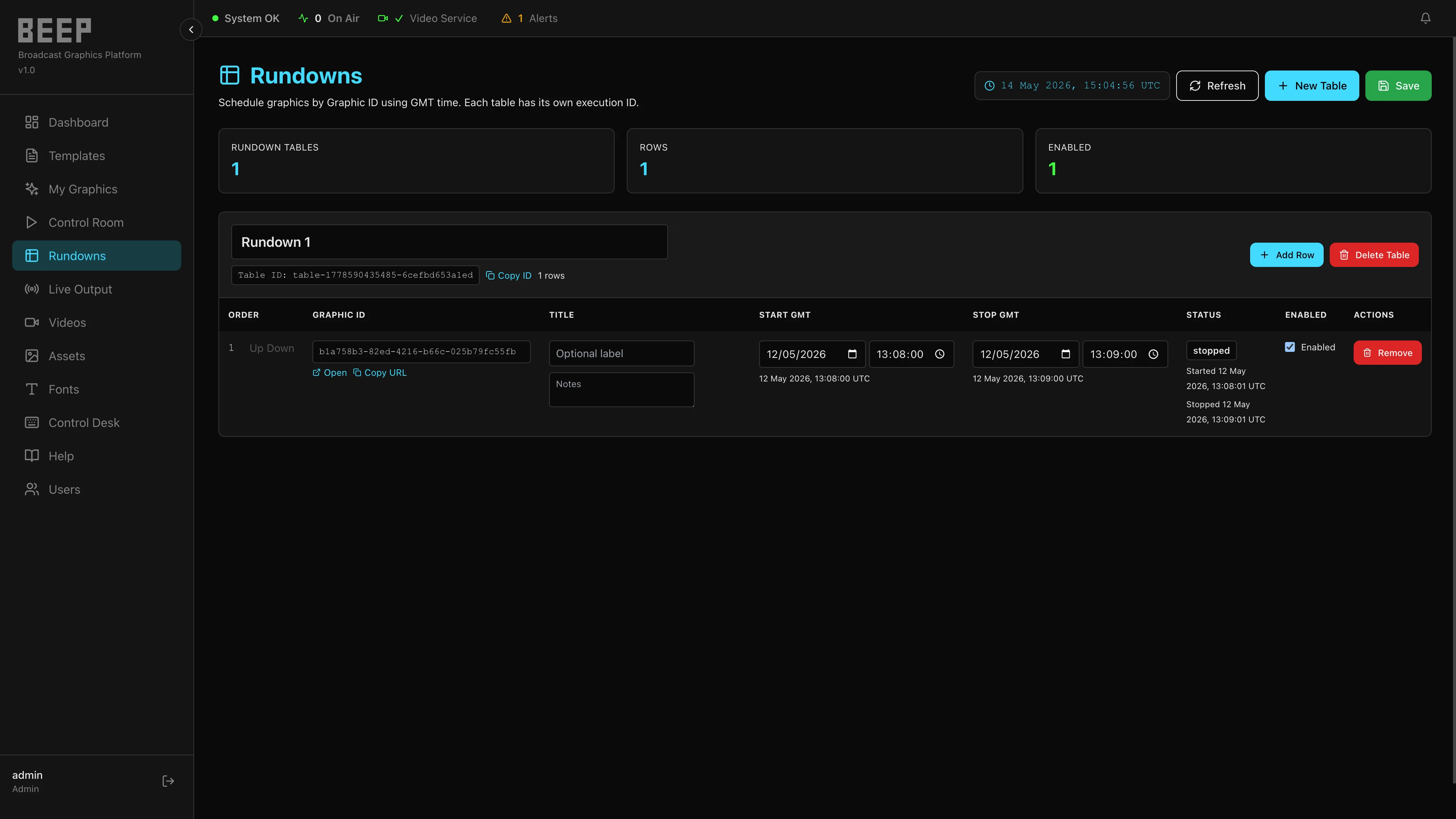
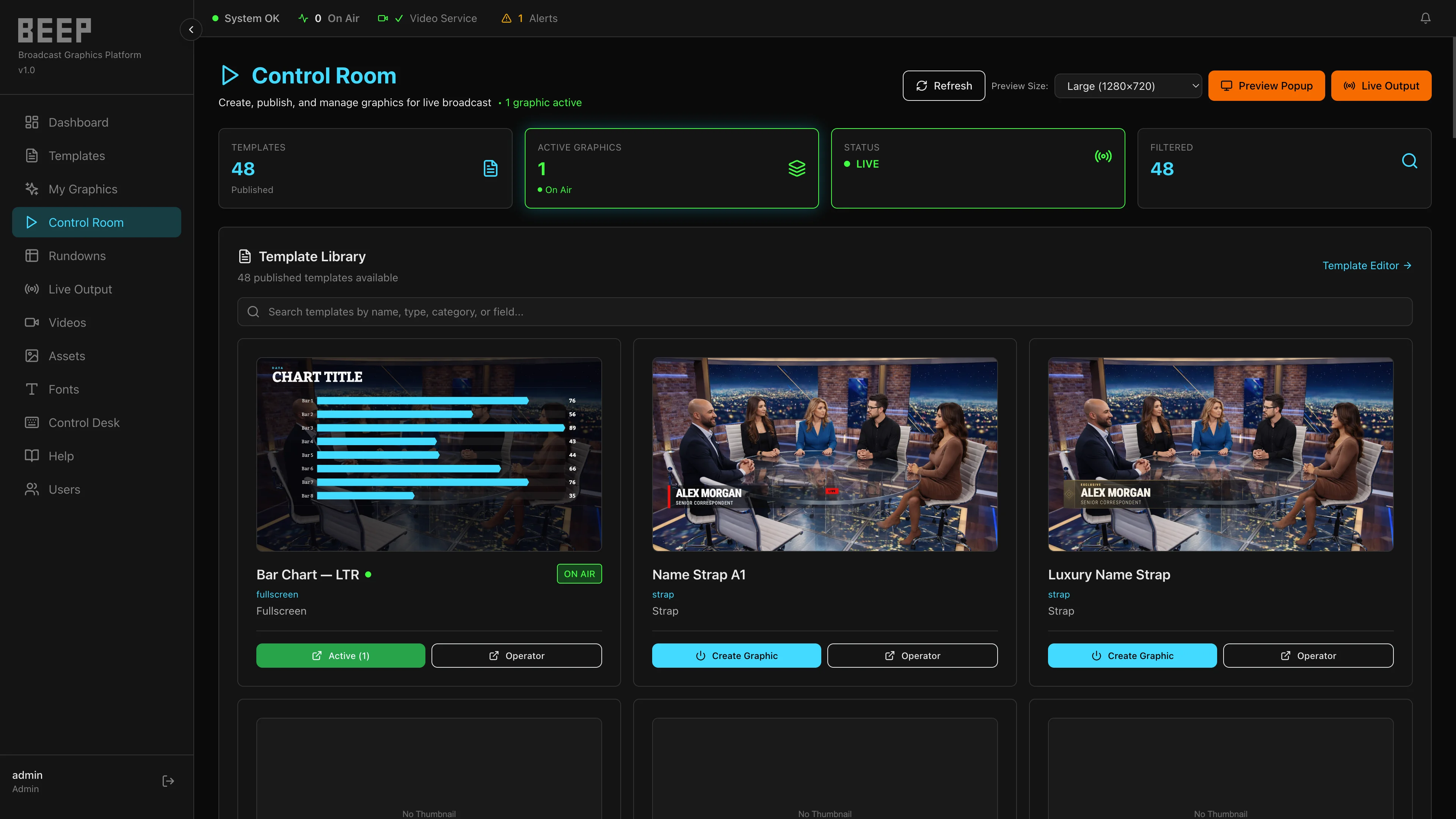
The starting point for new production graphics. Browse available templates and create operator-ready graphic instances — quickly and consistently, whether it's a single segment or an entire show slate.
BEEP Studio runs alongside the newsroom, automation, and cloud media systems your network already relies on — it doesn't ask you to replace them. Connect a rundown system so a story cue automatically shows, hides, or updates the matching graphic, with no operator keystroke required.
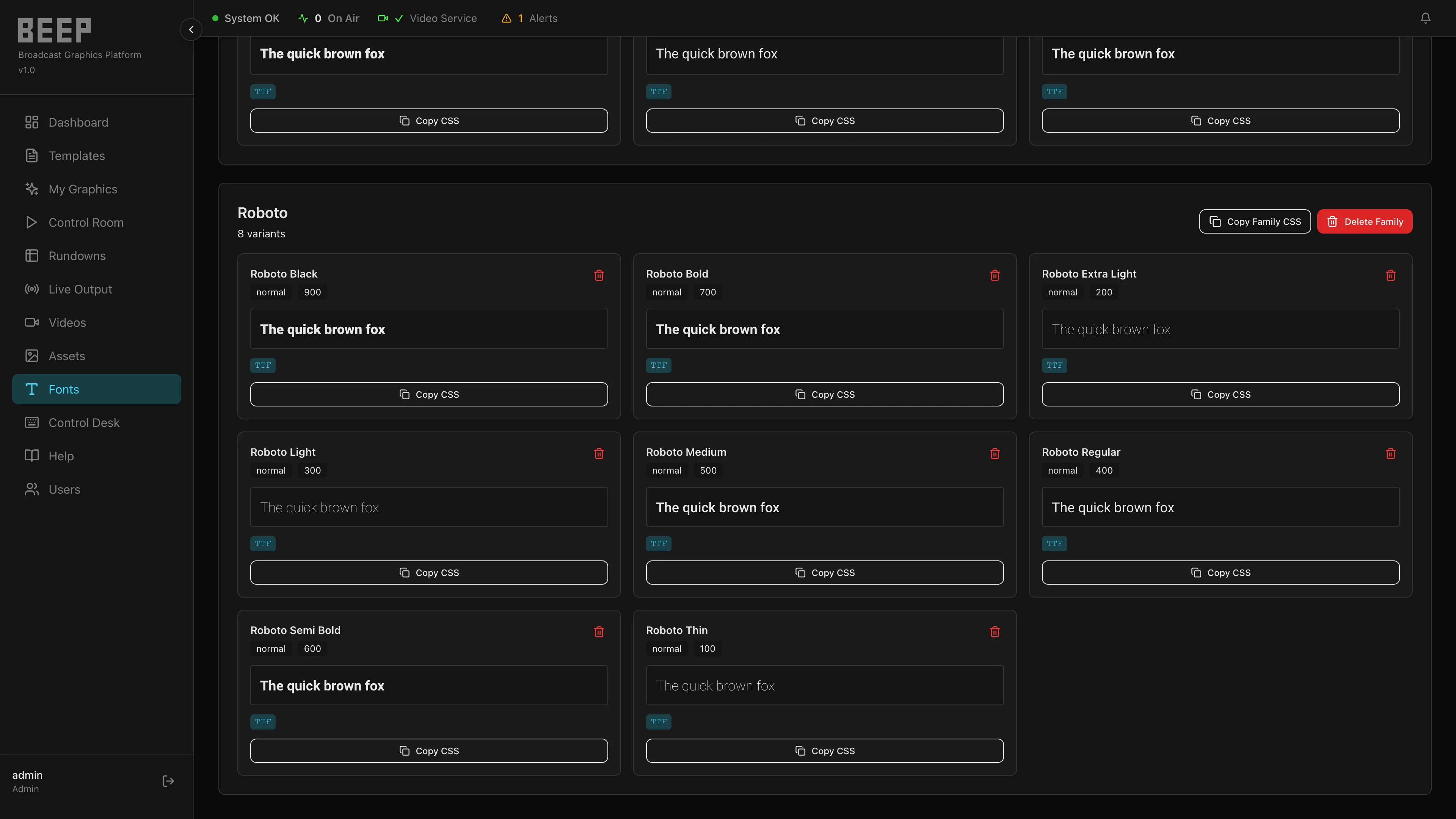
A centralized media library and typography manager for your entire graphics operation. Keep approved brand assets organized and accessible across every show and channel.
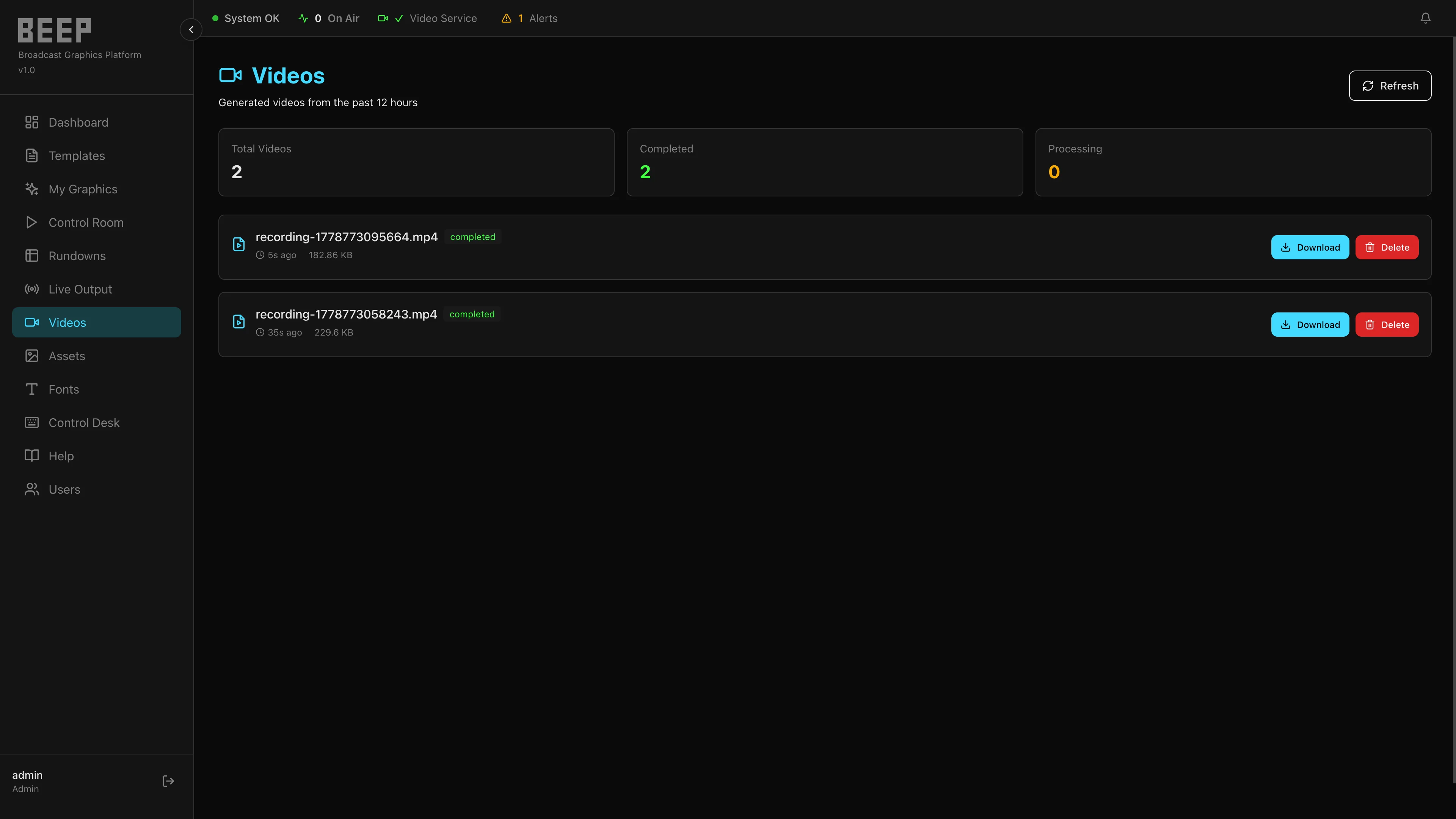
Turn any graphic instance into a standalone video file. Export a lower third, a title card, or a full-screen graphic as a transparent, edit-ready video clip — no separate recording pass required.
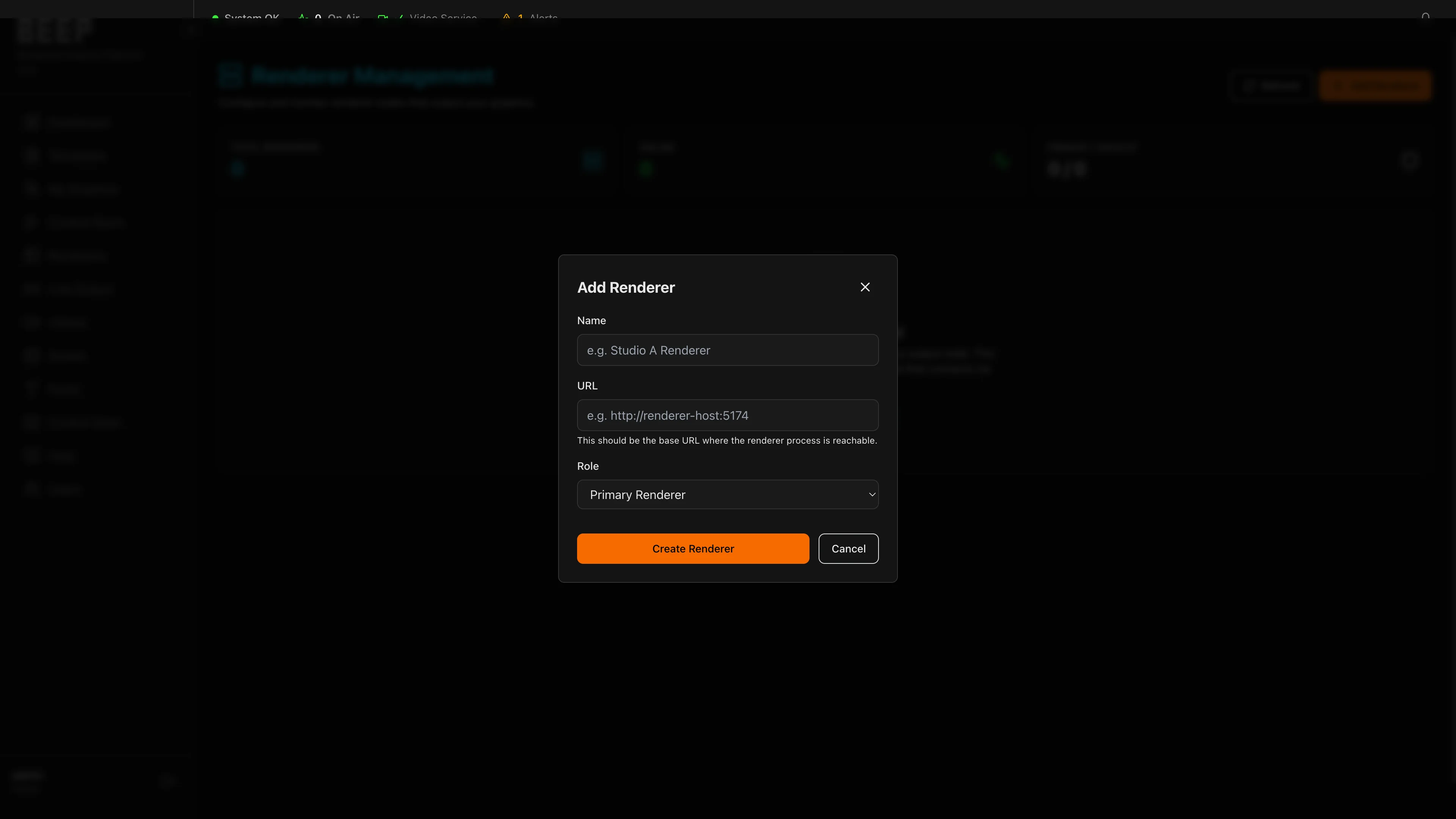
Configure and monitor the rendering infrastructure that powers your output. Assign primary and backup renderers, track real-time health, and ensure resilience at every stage of production.
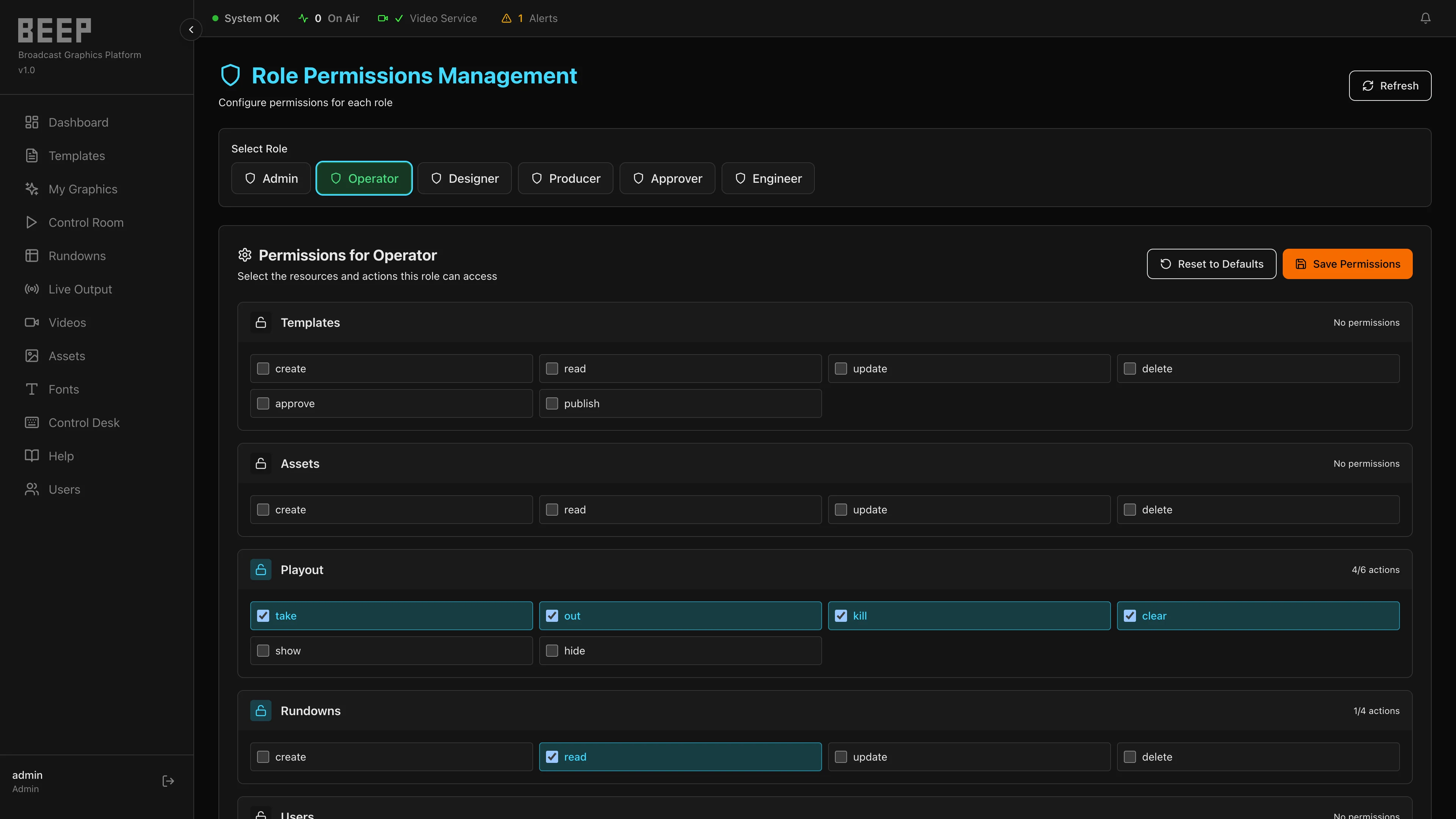
Full organizational control over your platform. Build custom roles with granular, per-feature permissions, protect accounts with two-factor authentication, and keep a clear record of who changed what.
Production Workflows
Technical Architecture
Operational Benefits
Module Summary
| Module | Purpose |
|---|---|
| Dashboard | System overview, renderer status, alerts, and fast access to all operational areas |
| Templates | Create and manage reusable graphic designs built with standard web technology |
| BEEP AI | Conversational assistant in the Template Editor for authoring templates in natural language |
| Created Graphics | Manage published Graphic IDs, metadata, and individual output links |
| Operator Control | Edit, publish, and preview one graphic instance in real time |
| Output Management | Define named Outputs, Layers, and Slots that route graphics to every destination |
| Live Output | Route, layer, and clear active Graphic IDs on each broadcast destination |
| Schedule Playlist | Schedule graphics by Graphic ID using precise GMT start and stop times |
| Control Room | Browse templates and create operator-ready graphics for production |
| Integrations | Connect newsroom, automation, and cloud media systems to drive graphics automatically |
| Assets | Manage global and template-specific media assets for all productions |
| Fonts | Upload, manage, and deploy custom brand typography across templates |
| Video Export | Export any graphic instance as a standalone, transparency-preserving video file |
| Renderers | Configure and monitor rendering nodes — primary and backup |
| Administration | Custom roles, two-factor authentication, retention policies, and backup workflows |
For television networks building the next generation of live production — BEEP offers a modern, adaptable graphics infrastructure that grows with your ambitions, integrates with your existing tools, and delivers the precision your audience expects.